
3 Steps to Rotary-Symmetric Contour!
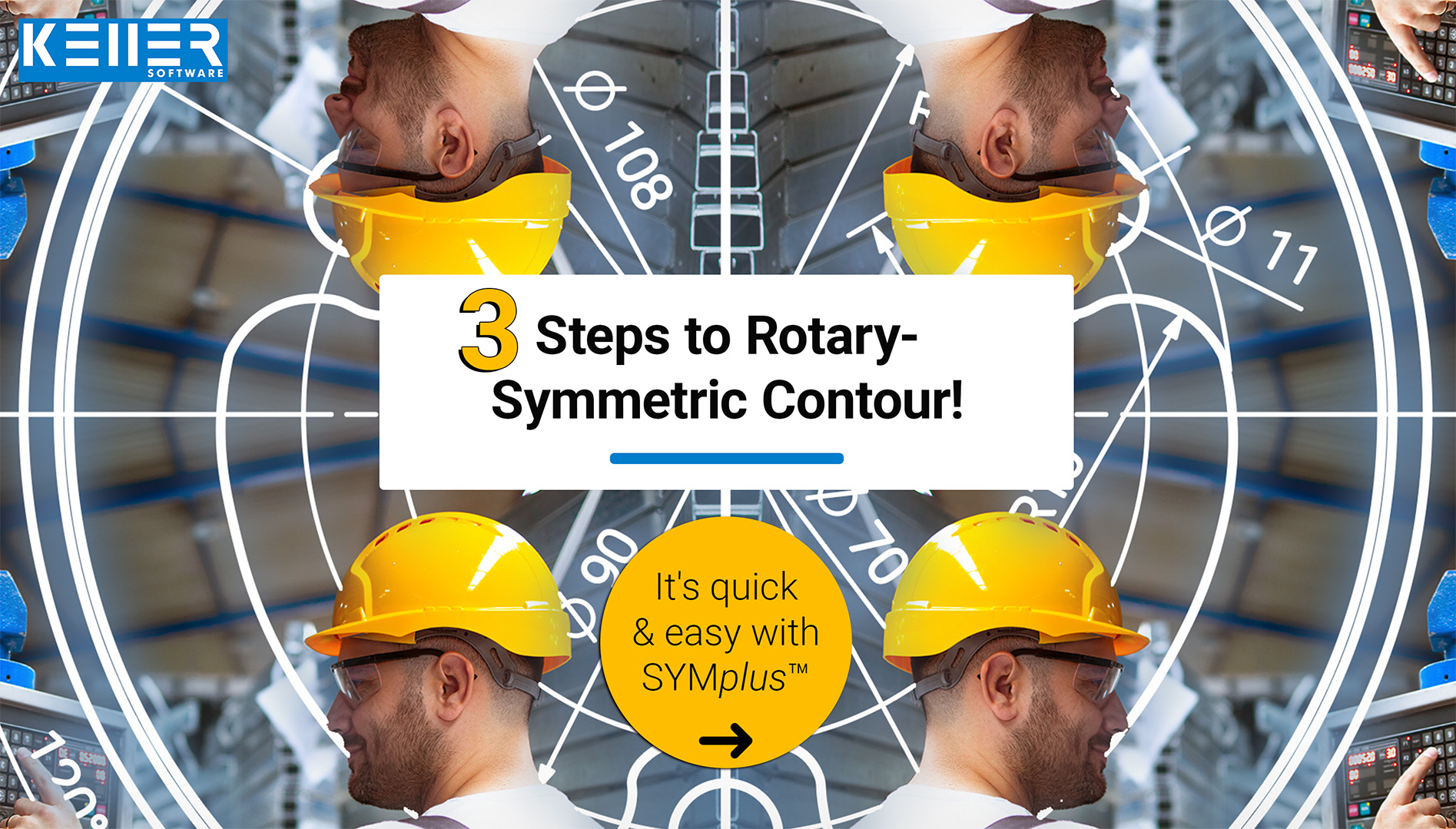
For pocket or island contours, the entire geometry often needs to be created from A to Z. But what about rotationally symmetric contours? That should be much simpler, right?
With SYMplus™ CNC software, you can do it in just 3 quick steps:
1️⃣ Create 1/6 of the contour – saving you time and effort.
2️⃣ Mirror the created section – now you have the other side.
3️⃣ Mirror and rotate the whole thing around the other axis – and voilà, your rotationally symmetric geometry is complete!
- Want to see how it works in detail? Watch the video where we explain the entire process step by step: https://youtu.be/KPhNBtI_bHU
Do you have any questions?
Our experts are at your disposal. We look forward to your inquiry!

This might also be of interest to you
As announced, we were delighted to welcome Mr. Zwingmann from Schleifring GmbH back to the KELLER.Academy. After attending the course “Basics of Graphical Programming (CAD/CAM) with SYMplus™,”…
“Those who stop learning stop improving,” wrote Mr. Zwingmann from Schleifring GmbH in our guestbook—and we couldn't agree more. Mr. Zwingmann spent 1.5 days with us in Wuppertal, taking…

