Arc Groove + Bolt Circle, Rectangular Pocket, Circular Pocket, 2-mm Chamfer

By loading the video you accept YouTube's privacy policy.
Learn more
This video demonstrates selected machining steps from Task 10 of the Christiani exercise collection “CNC Milling Technology according to PAL2020”. We illustrate these steps using the 3D simulation of our CNC software SYMplus™. This is not the complete solution to the task, but an explanation of key PAL G-codes.
What to expect in the video:
✅ Outer contour with RN transitions (G41, G1, G2)
✅ Circular pocket/rectangular pocket (G73, G72)
✅ Milling an arc groove (G75)
✅ Drilling & threading (G81–G84)
✅ 2 mm Chamfer
Who is this video for?
Perfect for CNC programmers, machinists, and instructors looking to improve their PAL G-code programming skills for CNC Milling.
Subscribe to our channel to not miss out on more tutorials and tips:
Do you have any questions?
Our experts are at your disposal. We look forward to your inquiry!

This might also be of interest to you
After a two-week break (and a successfully completed CAD/CAM course) Mr. Schober from Waldemar Link GmbH & Co. KG returned to the KELLER.Academy for the course “Basic DIN/PAL programming…
In our first course of 2026, the focus for Mr Schober from Waldemar Link GmbH & Co. KG was a hands-on introduction to the CAD/CAM workflow with SYMplus™: How do I build a geometry? Where…
Grooving, Thread Relief + Cutting (2-Sided CNC Turning)
By loading the video you accept YouTube's privacy policy.
Learn more
In this video, we guide you step by step through Task 12 from the Christiani task collection “CNC Turning Technology according to PAL2020”. Thanks to our 3D simulation in SYMplus™, everything is explained clearly and understandably.
What to expect in the video:
✅ Two-sided CNC machining (facing, roughing, finishing)
✅ Internal machining using the radial grooving cycle G86 (internal groove)
✅ Thread relief with the cycle G85 at the thread start and end
✅ Thread cutting with the threading cycle G31
Who is this video for?
Perfect for CNC programmers, machinists, and instructors looking to improve their PAL G-code programming skills for CNC Turning.
Subscribe to our channel to not miss out on more tutorials and tips:
Do you have any questions?
Our experts are at your disposal. We look forward to your inquiry!
This might also be of interest to you
Even trainers sometimes need training themselves. Mr. Schöntag from Motion Makers GmbH has plenty of hands-on experience at the machine, but for his role in vocational training, he wanted to gain…
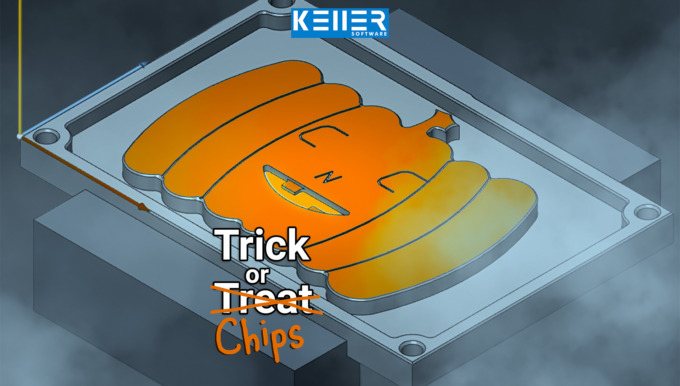
Carving pumpkins? 🎃 We’d rather mill ours out of metal. The KELLER.Software team wishes you a Happy Halloween!
Contours, Pockets & Slots in One Program (Learn CNC Milling)
By loading the video you accept YouTube's privacy policy.
Learn more
In this video, we guide you step by step through Task 12 from the Christiani task collection “CNC Milling Technology according to PAL2020”. Thanks to our 3D simulation in SYMplus™, everything is explained clearly and understandably.
What to expect in the video:
✅ Milling outer contour & step (G41, G46, G1, G2, RN)
✅ Circular and rectangular pockets—roughing & finishing (G73, G72, H4)
✅ Using subprograms & reusing contours (G22, G23)
✅ Slotting & drilling operations (G74, G81–G82)
Who is this video for?
Perfect for CNC programmers, machinists, and instructors looking to improve their PAL G-code programming skills for CNC Milling.
Subscribe to our channel to not miss out on more tutorials and tips:
Do you have any questions?
Our experts are at your disposal. We look forward to your inquiry!
This might also be of interest to you
In the CNC world, we speak many languages: Fanuc, Siemens, Heidenhain … But no matter which control system—today, on October 3rd, the Day of German Unity, we celebrate what unites us: our shared…
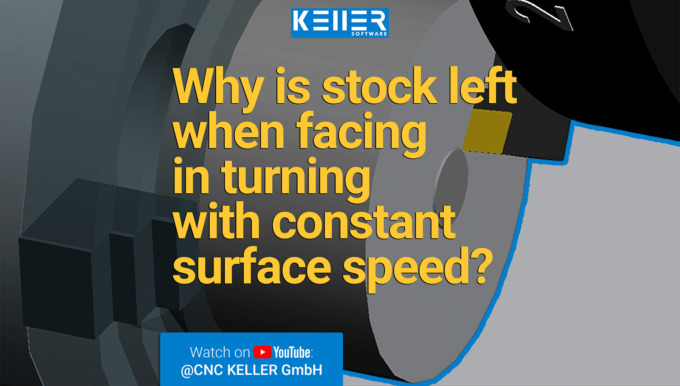
In this video, we guide you step by step through Task 10 from the Christiani task collection "CNC Turning Technology according to PAL2020". Thanks to our 3D simulation in SYMplus™, everything is…
Why is stock left when facing with constant surface speed?
By loading the video you accept YouTube's privacy policy.
Learn more
In this video, we guide you step by step through Task 10 from the Christiani task collection “CNC Turning Technology according to PAL2020”. Thanks to our 3D simulation in SYMplus™, everything is explained clearly and understandably.
What to expect in the video:
✅ Why a remaining core is left in the center during facing
✅ Core hole drilling with G84 and thread cutting with G31
✅ Contour machining with G81 and call-up via G22
✅ Grooving cycles G86 (radial) and G88 (axial)
Who is this video for?
Perfect for CNC programmers, machinists, and instructors looking to improve their PAL G-code programming skills for CNC Turning.
Subscribe to our channel to not miss out on more tutorials and tips:
Do you have any questions?
Our experts are at your disposal. We look forward to your inquiry!
This might also be of interest to you
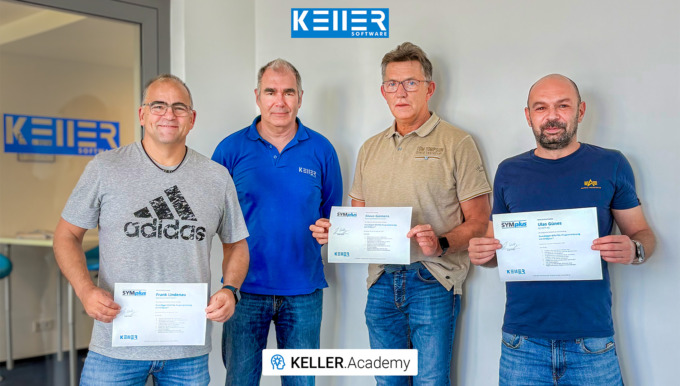
In our course “Basics of DIN/PAL Programming with SYMplus™”, participants spent 1.5 days writing and simulating programs, setting up tools, magazines and turrets, and creating their own gap-filling…
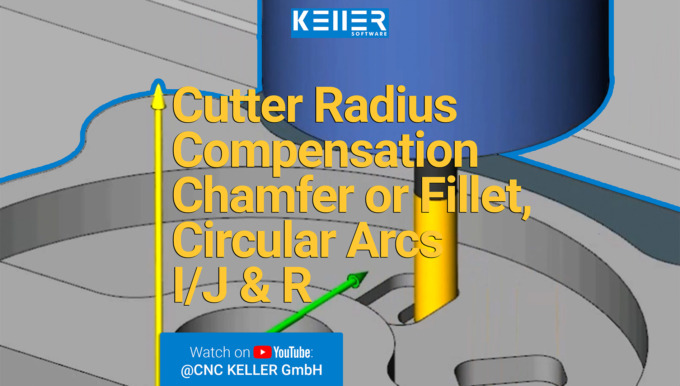
In this video, we guide you step by step through Task 14 from the Christiani task collection "CNC Milling Technology according to PAL2020". Thanks to our 3D simulation in SYMplus™, everything is…
Cutter Radius Compensation G41 G46 – Chamfer vs. Fillet, Circular Arcs I/J & R (Video)
By loading the video you accept YouTube's privacy policy.
Learn more
In this video, we guide you step by step through Task 14 from the Christiani task collection “CNC Milling Technology according to PAL2020”. Thanks to our 3D simulation in SYMplus™, everything is explained clearly and understandably.
What to expect in the video:
✅ Cutter radius compensation & tangential approach (G41 G46)
✅ Difference: Chamfer (RN–) vs. Fillet (RN+)
✅ Circular arcs with I/J or radius
✅ 3 rectangular pockets on a partial circle
Who is this video for?
Perfect for CNC programmers, machinists, and instructors looking to improve their PAL G-code programming skills for CNC Milling.
Subscribe to our channel to not miss out on more tutorials and tips:
Do you have any questions?
Our experts are at your disposal. We look forward to your inquiry!
This might also be of interest to you
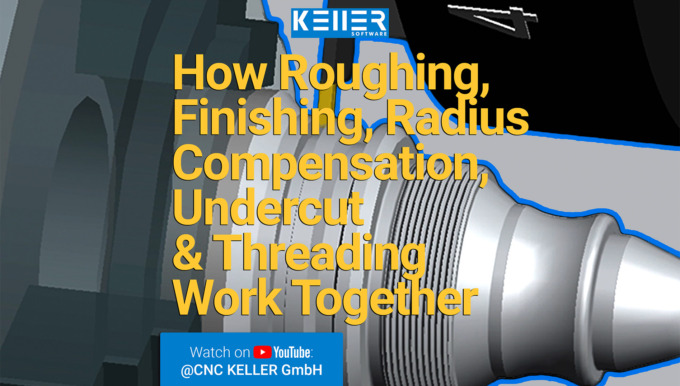
In this video, we guide you step by step through Task 9 from the Christiani task collection "CNC Turning Technology according to PAL2020". Thanks to our 3D simulation in SYMplus™, everything is explained…
Work experience instead of making coffee! At KELLER, interns are given real responsibilities from day one. That was also the case for Mr. Born, who – during his two-week internship in application…
How Roughing, Finishing, Radius Compensation, Undercut & Threading Work Together (Video)
By loading the video you accept YouTube's privacy policy.
Learn more
In this video, we guide you step by step through Task 9 from the Christiani task collection “CNC Turning Technology according to PAL2020”. Thanks to our 3D simulation in SYMplus™, everything is explained clearly and understandably.
What to expect in the video:
✅ How roughing and finishing work with G81 and G23
✅ Why radius compensation (G42) is important for upward and downward contours
✅ What the thread undercut is for – and what happens if it’s missing
✅ What the grooving cycle G86 does with parameter H14
Who is this video for?
Perfect for CNC programmers, machinists, and instructors looking to improve their PAL G-code programming skills for CNC turning.
Subscribe to our channel to not miss out on more tutorials and tips:
Do you have any questions?
Our experts are at your disposal. We look forward to your inquiry!
This might also be of interest to you
In our 1.5-day KELLER.Academy course, Mr. Ambrosy from Mager GmbH (a manufacturer of screws and turned parts) successfully completed the introduction to graphical programming with SYMplus™. The…
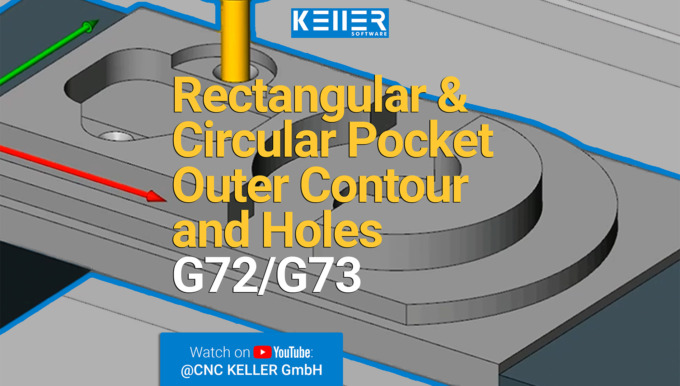
In this video, we guide you step by step through Task 9 from the Christiani task collection "CNC Milling Technology according to PAL2020". Thanks to our 3D simulation in SYMplus™, everything is explained…
CNC Milled Part: Rectangular & Circular Pocket, Outer Contour and Holes (Video)
By loading the video you accept YouTube's privacy policy.
Learn more
In this video, we guide you step by step through Task 9 from the Christiani task collection “CNC Milling Technology according to PAL2020”. Thanks to our 3D simulation in SYMplus™, everything is explained clearly and understandably.
What to expect in the video:
✅ Milling the outer contour
✅ Circular and rectangular pocket using G73 and G72
✅ Centering, countersinking, and thread cutting
Who is this video for?
Perfect for CNC programmers, machinists, and instructors looking to improve their PAL G-code programming skills for CNC milling.
Subscribe to our channel to not miss out on more tutorials and tips:
Do you have any questions?
Our experts are at your disposal. We look forward to your inquiry!
This might also be of interest to you
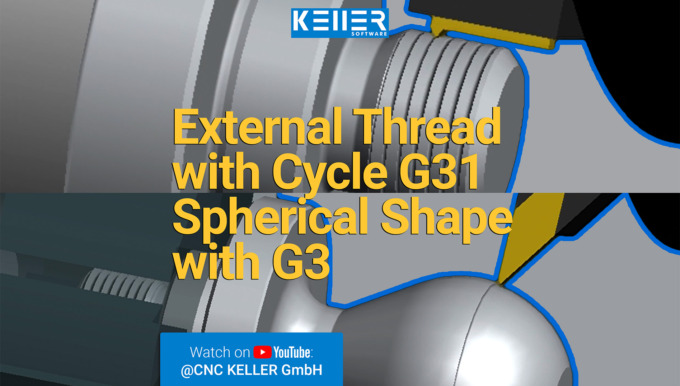
In this video, we guide you step by step through Task 11 from the Christiani task collection "CNC Turning Technology according to PAL2020". Thanks to our 3D simulation in SYMplus™, everything is…
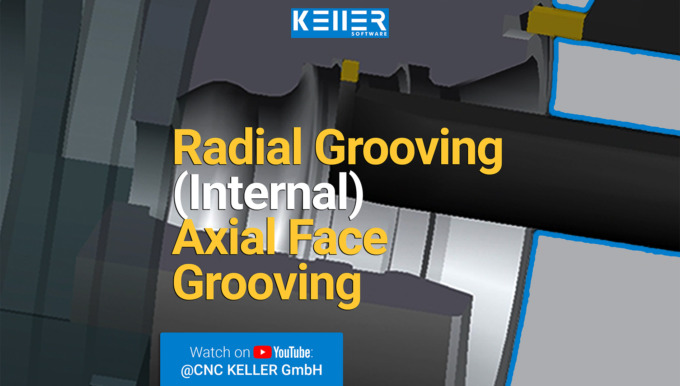
In this video, we guide you step by step through Task 8 from the Christiani task collection "CNC Turning Technology according to PAL2020". Thanks to our 3D simulation in SYMplus™, everything is explained…
External Thread with Cycle G31 – Turned Part with Spherical Shape G3 (Video)
By loading the video you accept YouTube's privacy policy.
Learn more
In this video, we guide you step by step through Task 11 from the Christiani task collection “CNC Turning Technology according to PAL2020”. Thanks to our 3D simulation in SYMplus™, everything is explained clearly and understandably.
What to expect in the video:
✅ How an external thread is created using G31
✅ Which parameters are important when using G31
✅ Why and how a workpiece is re-clamped for machining the second side
✅ How to program a spherical contour with G3
Who is this video for?
Perfect for CNC programmers, machinists, and instructors looking to improve their PAL G-code programming skills for CNC turning.
Subscribe to our channel to not miss out on more tutorials and tips:
Do you have any questions?
Our experts are at your disposal. We look forward to your inquiry!
This might also be of interest to you

28 to 30 °C in the workshop? High humidity from evaporating coolant? Welcome to CNC summer. How hot is it where you are? A) Over 30 °C – I’m officially done for B) 28–30 °C –…

For the second time, we had the pleasure of welcoming Mr. Grodfeld from Röhm GmbH. After attending our CAD/CAM course, he now took part in the “Basics of DIN/PAL Programming with SYMplus™”…
Radial Grooving (Internal) & Axial Face Grooving | G86 & G88 (Video)
By loading the video you accept YouTube's privacy policy.
Learn more
In this video, we guide you step by step through Task 8 from the Christiani task collection “CNC Turning Technology according to PAL2020”. Thanks to our 3D simulation in SYMplus™, everything is explained clearly and understandably.
What to expect in the video:
✅ Radial grooving inside using cycle G86
✅ Axial face grooving with G88
✅ Understanding parameters: LE, EP, AK, D
Who is this video for?
Perfect for CNC programmers, machinists, and instructors looking to improve their PAL G-code programming skills for CNC turning.
Subscribe to our channel to not miss out on more tutorials and tips:
Do you have any questions?
Our experts are at your disposal. We look forward to your inquiry!
This might also be of interest to you

Shutdown for the long weekend – holiday mode is now activated on our side! Tomorrow, June 19th, is a public holiday in Germany (Feast of Corpus Christi), so our office will be closed on that day…
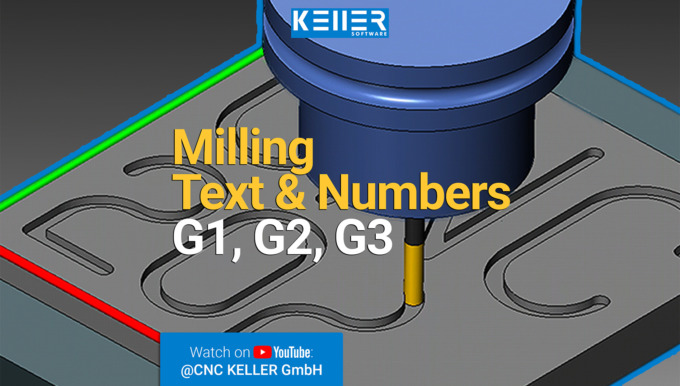
In this video, we guide you step by step through Task 1 from the Christiani task collection "CNC Milling Technology according to PAL2020". Thanks to our 3D simulation in SYMplus™, everything is explained…
Milling Text and Numbers with G1, G2, G3: G-Code (PAL) Basics (Video)
By loading the video you accept YouTube's privacy policy.
Learn more
In this video, we guide you step by step through Task 1 from the Christiani task collection “CNC Milling Technology according to PAL2020”. Thanks to our 3D simulation in SYMplus™, everything is explained clearly and understandably.
What to expect in the video:
✅ Milling text and numbers using:
✅ G1 (straight line)
✅ G2 (circular arc clockwise)
✅ G3 (circular arc counterclockwise)
Who is this video for?
Perfect for CNC programmers, machinists, and instructors looking to improve their PAL G-code programming skills for CNC milling.
Subscribe to our channel to not miss out on more tutorials and tips:
Do you have any questions?
Our experts are at your disposal. We look forward to your inquiry!
This might also be of interest to you
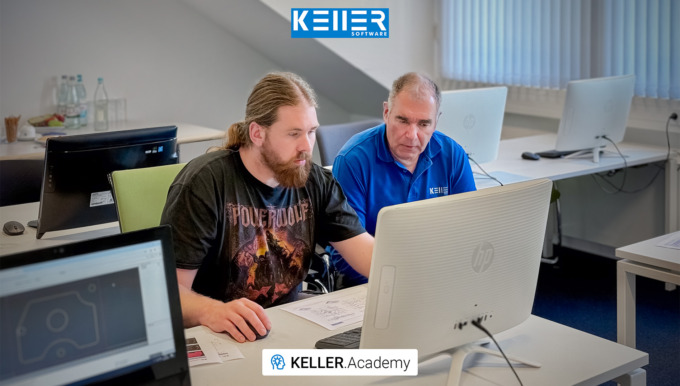
Graphic programming made easy – with SYMplus™ and the KELLER.Academy! In a compact one-on-one training session, Mr. Grodfeld from Röhm GmbH (a leading manufacturer in methacrylate chemistry)…
Cutting Machine Operator Exam Summer 2025 – done! The Cutting Machine Operator Exam is a specialized certification (IHK) in Germany that assesses both practical and theoretical skills in CNC machining. Want…