Open Day at the BZI Remscheid – Info
Meet KELLER.Sofware from November 4 to 5, 2022 at the open day of the BZI Remscheid. Our experts will be happy to demonstrate the ‘Virtual Workshop’ with VR glasses or help you with questions about training, further education, career orientation and, of course, KELLER products. We will be available for you both days.
Date:
Friday, 04. November 2022 from 08:00 a.m. to 05:00 p.m.
Saturday, 05 November 2022 from 11:00 a.m. to 04:00 p.m.
Location:
Berufsbildungszentrum der Industrie (BZI)
Wüstenhagener Straße 18 bis 26
42855 Remscheid
You can find more information about the event on the BZI Remscheid website.
Do you have any questions?
Our experts are at your disposal. We look forward to your inquiry!
This might also be of interest to you
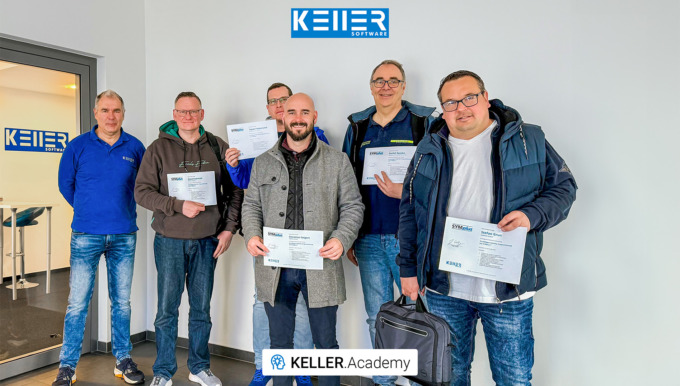
Last week at the KELLER.Academy, participants once again spent their time programming, simulating, and discussing intensively—from the fundamentals of DIN/PAL programming to the practical…
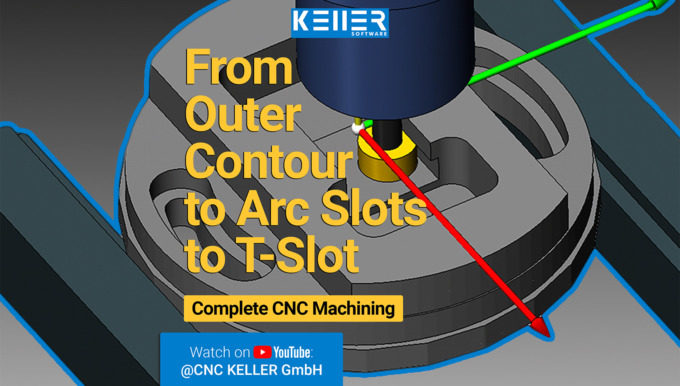
This video demonstrates selected machining steps from Task 13 of the Christiani exercise collection “CNC Milling Technology according to PAL2020”. We illustrate these steps using the 3D simulation…
Practical Tip: From PAL programming to chips – In Video format
The phrase “From PAL programming to chips” refers to the fact that with SYMplus™ you can not only learn the theory, but you can also build a bridge to practical application. Learn more in the following practical tip video:

By loading the video you accept YouTube's privacy policy.
Learn more
Follow KELLER.Software on YouTube to learn more:
https://www.youtube.com/CNCKELLERGmbH
For more tips, keep an eye out for our upcoming newsletters.
You have questions? Please feel free to contact our experts using the form below.
Do you have any questions?
Our experts are at your disposal. We look forward to your inquiry!
This might also be of interest to you

After Mr. Schober had already attended our CAD/CAM course, we were pleased to now welcome Mr. Zaeske from Waldemar Link GmbH & Co. KG. Thank you for your visit, Mr. Zaeske. We wish you every…
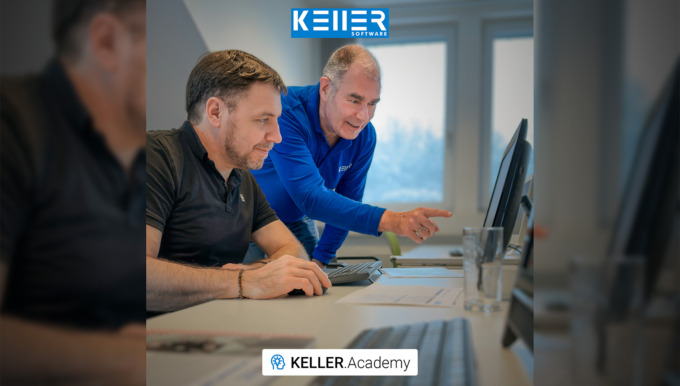
After a two-week break (and a successfully completed CAD/CAM course) Mr. Schober from Waldemar Link GmbH & Co. KG returned to the KELLER.Academy for the course “Basic DIN/PAL programming…
Training in the KELLER.Academy – DIN/PAL Programming
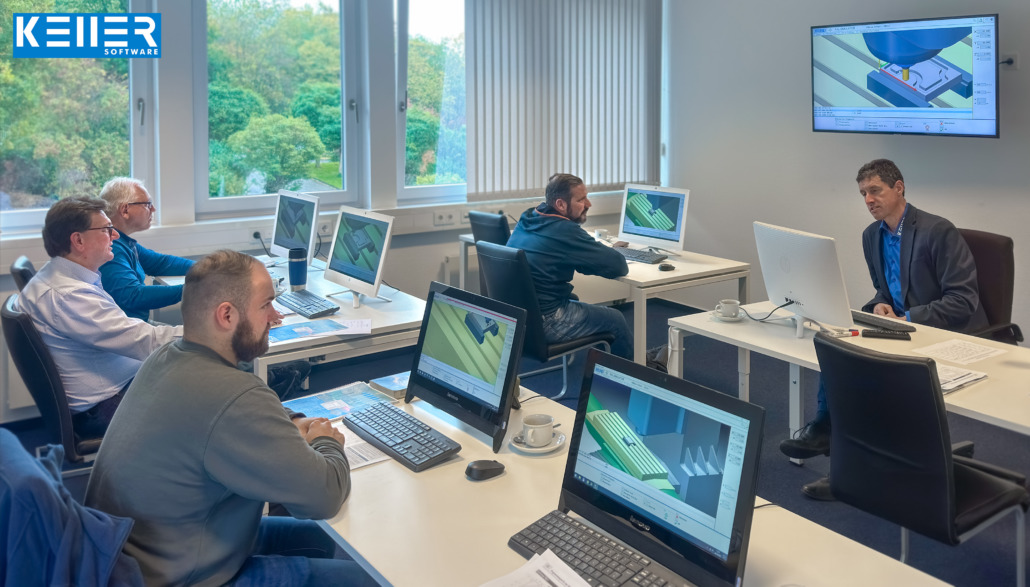
Last week there was a lot going on at the KELLERAcademy: Felix Böttcher GmbH & Co. KG, the Willy-Brandt-Berufskolleg in Duisburg and Maschinenfabrik Lauffer GmbH & Co. KG came to us in Wuppertal for 1.5 days for the course “Basic DIN/PAL programming with SYMplus™”. Congratulations to the participants for successfully passing the course and many thanks for the intensive working time as well as the interesting exchange.
Click on the following link to learn more about the courses offered at the KELLER.Academy: https://cnc-keller.com/keller-academy/

Do you have any questions?
Our experts are at your disposal. We look forward to your inquiry!
This might also be of interest to you
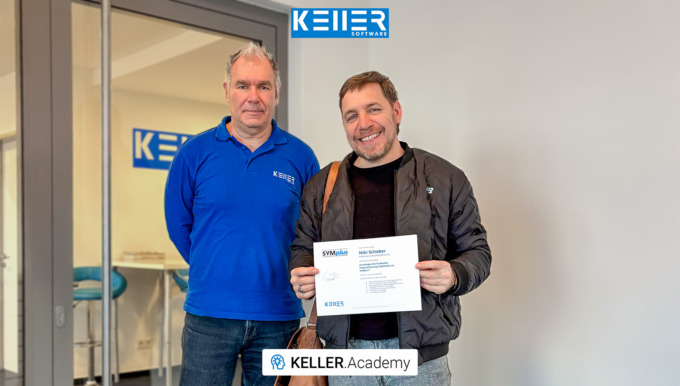
In our first course of 2026, the focus for Mr Schober from Waldemar Link GmbH & Co. KG was a hands-on introduction to the CAD/CAM workflow with SYMplus™: How do I build a geometry? Where…

This video demonstrates selected machining steps from Task 10 of the Christiani exercise collection “CNC Milling Technology according to PAL2020”. We illustrate these steps using the 3D simulation…
KELLER.Academy – Training at Campus Handwerk GmbH
The KELLER.Academy was on the road again. This time at Campus Handwerk GmbH. There, trainers and teachers met for three days to have their knowledge topped up by our CNC expert Mr. Reckermann. In this course, we covered the complete program of SYMplus, from DIN/PAL, including driven tools and tilting, to graphic programming. On a DMG lathe on site with SIEMENS control, one of the programs was produced during the training. You can see the manufacturing process in the video.
Click on the following link to learn more about the courses offered at the KELLER.Academy: https://cnc-keller.com/keller-academy/
By loading the video you accept YouTube's privacy policy.
Learn more

Do you have any questions?
Our experts are at your disposal. We look forward to your inquiry!
This might also be of interest to you
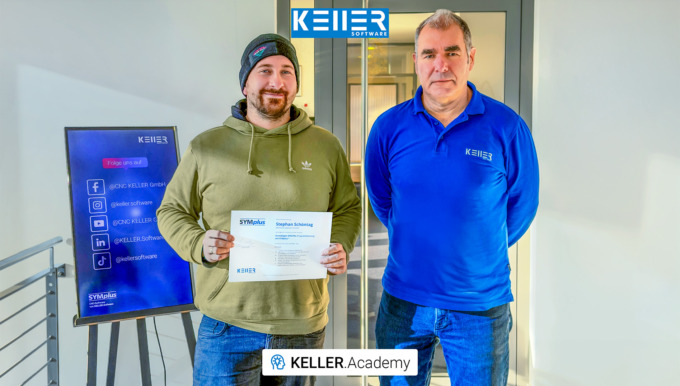
Even trainers sometimes need training themselves. Mr. Schöntag from Motion Makers GmbH has plenty of hands-on experience at the machine, but for his role in vocational training, he wanted to gain…
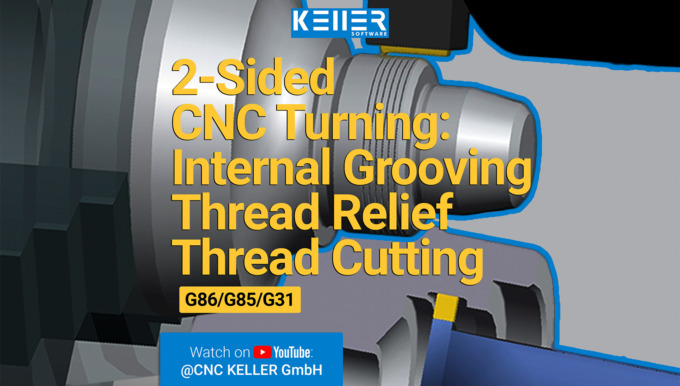
In this video, we guide you step by step through Task 12 from the Christiani task collection "CNC Turning Technology according to PAL2020". Thanks to our 3D simulation in SYMplus™, everything is…
Newsletter October 2022

New edition workbooks for PAL2020.
In 2 months it will be Christmas, but before we settle down comfortably on the sofa with cookies, we still have a PAL exam coming up.
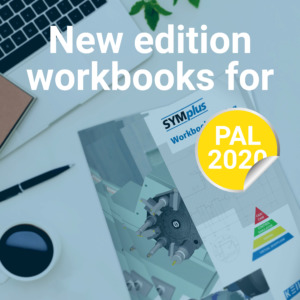
To help you prepare for the exam in the best possible way, we have updated the SYMplus™ workbooks to include the PAL2020 commands and made a few other important corrections as well. The new edition with PAL2020 is now available for purchase from us. By the way, even without an exam, the workbooks are a great learning tool to learn the CNC basics with SYMplus™.
What are SYMplus™ workbooks?
Methodically interlocked with SYMplus™, the SYMplus™ workbooks are the ideal teaching material for the introduction to CNC, basic training according to DIN, preparation for the PAL exam as well as control-specific technical training and CAD/CAM. The workbooks are structured according to topics and contain tasks with increasing levels of difficulty. The workbooks are also available digitally on request.
These workbooks are available for purchase:
- SYMplus™ Turning workbook
- SYMplus™ Milling workbook
If you want to know in detail what contents can be found in the respective workbooks, take a look at the reading samples:
Workbook Samples >

Another great offer for the PAL exam preparation: The “PAL exam preparation” course from November 10 – 11, 2022 at the KELLER.Academy. For 1.5 days, it’s all about the complete PAL coding in turning and milling and we’ll go through the pitfalls of the gap check together.
Registration and further information about the courses >
We wish you a beautiful day ahead
– Your KELLER.Software Team
Much more from KELLER.Software …
Next Appointments:
10. – 11. November 2022: Exam preparation PAL
24. – 25. November 2022: Basics of DIN/PAL programming with SYMplus™
On the YouTube channel of KELLER.Software you can watch the CNC software in action on the playlist “SYMplus™ in practice”.
To subscribe to our monthly newsletter, please use the form below. Thank you.
Do you have any questions?
Our experts are at your disposal. We look forward to your inquiry!
This might also be of interest to you
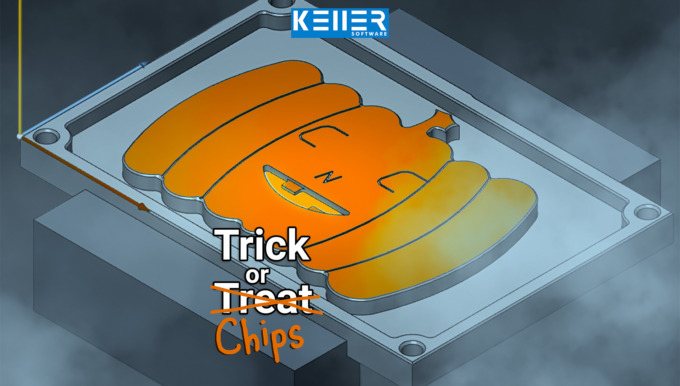
Carving pumpkins? 🎃 We’d rather mill ours out of metal. The KELLER.Software team wishes you a Happy Halloween!
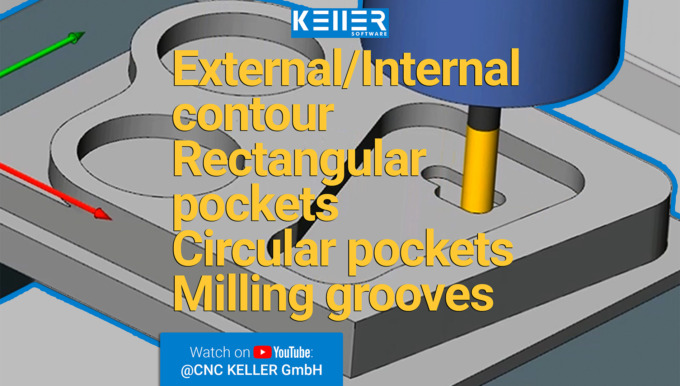
In this video, we guide you step by step through Task 12 from the Christiani task collection "CNC Milling Technology according to PAL2020". Thanks to our 3D simulation in SYMplus™, everything is…
PRACTICAL TIP – Rewrite old PAL programs for the PAL2020
September 2022
With the PAL2020 reform, some of the commands in the PAL coding were changed. The commands were changed so that programs written after PAL2008 or PAL2012 will no longer run and lead to any error messages in the newer PAL2020 simulators (or PAL2020 C/Y or PAL2020 3+2). This means that you have to rewrite the program blocks almost completely – and that takes time.
A faster way to do this is to use the “Find/Replace” trick:
This trick works when “translating” PAL2008 or PAL2012 commands to PAL2020, because there is a simple mapping between old and new here. Below, we will briefly touch on how you can rewrite the cycles more easily. You need this, for example, for the piercing cycles in turning, which are still called G86 or G88, but have many new or changed cycles.
Step 1
Open the program, which you have already programmed in an older PAL coding, in the “PAL2020” mode. You will then get the following message: “The NC program is faulty!” Delete this message by pressing “F10”. The last block that does not correspond to the PAL2020 coding is now marked in the editor. In the example (exercise program “LAGER3” from the workbook “Plane Swivel”): “N65 G17 CR180 AR90”. Here (and in many other places in the program) G17 must be replaced by G15.
Step 2
Now select the “Search/Replace” function using “F1” and enter “G17” in the “Search for” field and “G15” in the “Replace with” field:

Click on “Replace All” to replace “G17” with “G15” in the entire document. Finally, accept this edit with “F10”.
Step 3
Subsequently, in our example, the line “N45 G48 G40 R10 Z0” is marked as incorrect, because after PAL2020 the commands for tangential approach and departure have also changed. Replace them according to the same principle: “G48 G40 R” becomes “G40 G46 RR”. And then “G41 G45 D” = “G41 G45 DL”.

Step 4
For the training program “LAGER3” all necessary replacements are done with it, and you can use “F7 Editor” to switch back to the “guided mode”. There you can simulate the program using “F9” and finally save the changed program with for example the name extension “2020”.
A complete table with a comparison between “PAL2008/PAL2012” and “PAL2020” (as of summer 2022) can be found at the very bottom of this post.
Rewrite Cycles:
This is not quite as simple as the PAL commands. But with this little trick, you will surely save some effort:
Step 1
Start by commenting out the “old” cycle blocks in the editor. Then program the cycle blocks again in the guided mode (“F7 Editor”). Note that commenting out changes the line numbering (which affects jumps with G23), since pure comment lines have no line numbers. To avoid this, write the previous cycle as a comment after a regular (innocuous) NC block. This will then look for example like this:
N28 M1 ; G86 X60 Z-55 ET54 EB6 RO-0.5
Step 2
After you have changed the cycle set, just delete this comment again.
To learn more practical tips, please visit KELLER.News on our website or visit the KELLER YouTube channel KELLER-YouTube-Kanal.
| PAL2008/PAL2012 | PAL2020 | Meaning | Where is it found? |
| G41 G45 D | G41 G45 DL | Linear tangential approach | Milling and Turning with driven tools |
| G42 G45 D | G42 G45 DL | Linear tangential approach | Milling and Turning with driven tools |
| G40 G46 D | G40 G45 DL | Linear tangential departure | Milling and Turning with driven tools |
| G41 G47 R | G41 G46 RR | Tangential approach on a quarter circle | Milling and Turning with driven tools |
| G42 G47 R | G42 G46 RR | Tangential approach on a quarter circle | Milling and Turning with driven tools |
| G48 G40 R | G40 G46 RR | Tangential departure on a quarter circle | Milling and Turning with driven toolsn |
| G17 | G15 | Svivelling and Resetting the machining level | Milling Level selection |
| G17 | G15 G17 IP3 | Level selection face end with virtual Y axis | Turning with driven tools |
| G17 C | G15 G17 IP0 | Level selection face end with polar coordinates | Turning with driven tools |
| G17 Y C | G15 G17 IP5 CM | Level selection face end with real Y axis | Turning with driven tools |
| G18 | G15 G18 TURN | Level selection for Turning | Drehen mit angetr. Werkzeugen |
| G19 X | G15 G19 IP1 DM | Level selection surface area with virtual Y axis | Turning with driven tools |
| G19 C | G15 G17 IP0 | Level selection surface area with polar coordinates | Turning with driven tools |
| G19 Y X | G15 G17 IP5 DM | Level selection chord area with real Y Axis | Turning with driven tools |
| G86 | M1 ; G86 | Radial recessing cycle | Turning, not automatically “translatable”, therefore commented out here with M1 ;. The cycle must then be reprogrammed. |
| G88 | M1 ; G86 | Axial recessing cycle | Turning, not automatically “translatable”, therefore commented out here with M1 ;. The cycle must then be reprogrammed. |
You will find more tips in the upcoming newsletters.
You have questions? Contact our experts using the contact form below.
Do you have any questions?
Our experts are at your disposal. We look forward to your inquiry!
This might also be of interest to you
In the CNC world, we speak many languages: Fanuc, Siemens, Heidenhain … But no matter which control system—today, on October 3rd, the Day of German Unity, we celebrate what unites us: our shared…
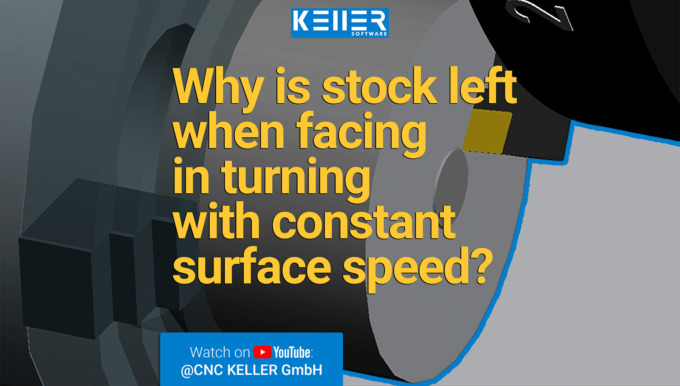
In this video, we guide you step by step through Task 10 from the Christiani task collection "CNC Turning Technology according to PAL2020". Thanks to our 3D simulation in SYMplus™, everything is…
KELLER.Academy in Norderstedt
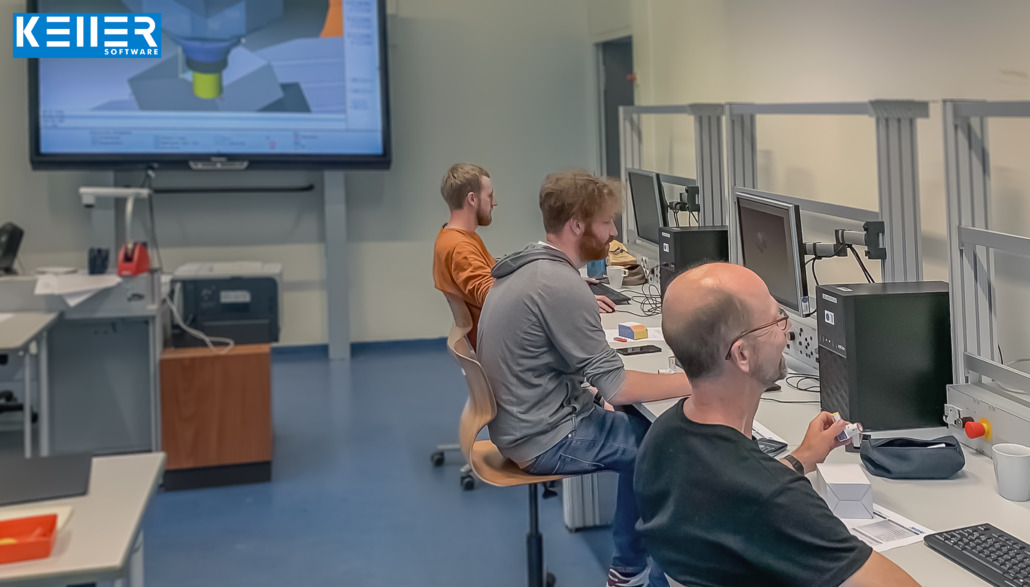
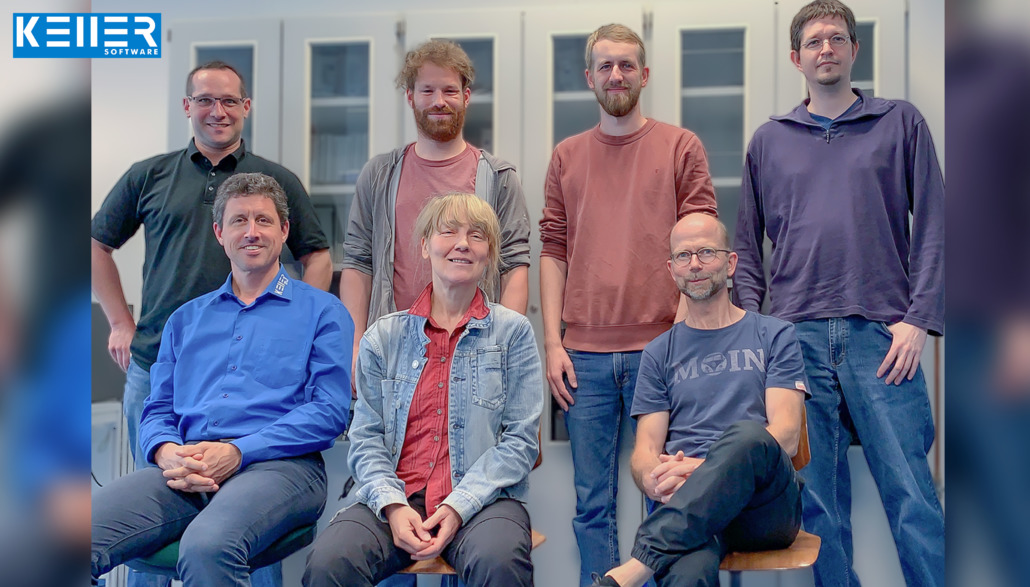
That’s the way it has to be! 3 days of KELLER.Academy and heads were spinning! With a lot of fun, but great benefits, it was all about our CNC software SYMplus™ at the BBZ Norderstedt. On the third day, the group dwindled down to the “hard core” of three teachers who work with metal-cutting machine operator classes.
The KELLER.Software team would like to express their sincere thanks to the participants as well as for the hospitality. It was a pleasure to welcome such long-time and good customers to the KELLER.Academy.
Click on the following link to learn more about the courses offered at the KELLER.Academy: https://cnc-keller.com/keller-academy/
Do you have any questions?
Our experts are at your disposal. We look forward to your inquiry!
This might also be of interest to you
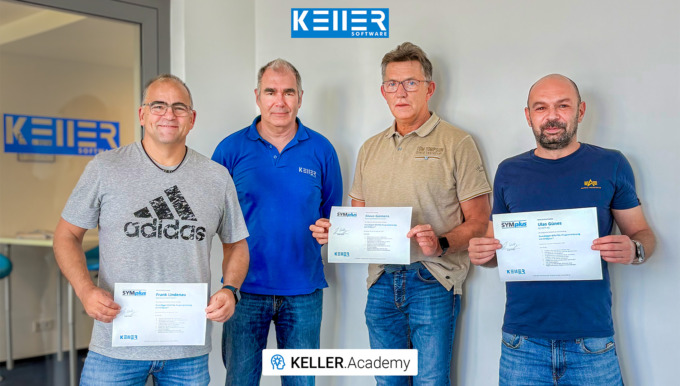
In our course “Basics of DIN/PAL Programming with SYMplus™”, participants spent 1.5 days writing and simulating programs, setting up tools, magazines and turrets, and creating their own gap-filling…
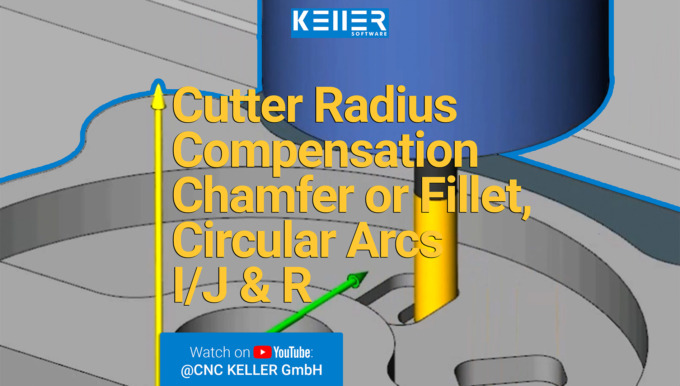
In this video, we guide you step by step through Task 14 from the Christiani task collection "CNC Milling Technology according to PAL2020". Thanks to our 3D simulation in SYMplus™, everything is…
Newsletter June 2022
 Supported 2,400 trainees during the pandemic with SYMplus™.

For two years we have been dealing with the issue of how learning should work when we are not allowed to meet, when schools are closed due to the pandemic, or when individual students and teachers have to stay at home in quarantine.
KELLER.Software has responded to this situation immediately and since the beginning of the pandemic has made the entire scope of the PAL student licence available free of charge to all plusCARE™ customers.
In the meantime, most of the measures against the virus have been lifted in Germany. Hence, the KELLER.Software team has decided to let the offer of the free student license PAL expire by the end of the month. This means that the free licenses will be switched off after June 30, 2022, as previously mentioned in our monthly reminder emails to users, as well as on our website next to the registration form.
Note: This does not apply to the student licence DIN and of course not to the purchased licenses of the student license PAL (explanations regarding the license are below).
However, these two years have also changed things for us. For this reason, KELLER.Software offers the following as a way for your trainees to continue to learn comfortably from home (or wherever) with the SYMplus™ CNC software:
- Buy the student license PAL easily and quickly as an add-on to your plusCARE™ license: Billing via plusCARE™ invoice, cancellation period at the end of the plusCARE™ period (contact us by email or phone)
- Receive student DIN license as a plusCARE™ customer upon request (contact aus by email or phone)
- As a student, rent the student license DIN yourself for 14 days to 1 year (to be purchased via the following link: https://www.cleverbridge.com/858/purl-cnc-keller-Katalogeng)
You are not yet a plusCARE™ customer? Contact us by email or phone and enjoy the many perks of plusCARE™.
What is the difference between student license DIN and student license PAL?

Student license DIN: For those professionals who only need basic CNC knowledge, the scope of commands in DIN is scaled down to the basics of PAL.

Student license PAL: With this version, the complete instructional scope of PAL is taught.
Much more from KELLER.Software…
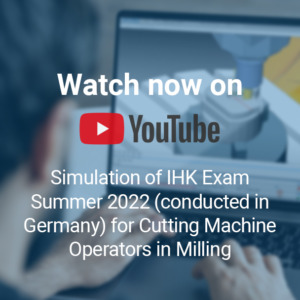
Are you familiar with the IHK exams conducted by the German Chamber of Commerce for CNC Operators? In case you would like to know the syllabus and scope of these exams, have a look at the IHK videos on our YouTube channel. The videos are unfortunately only available in German as the exams are only conducted in German. Got any questions? Feel free to comment or contact.

Next Appointment:
30. June – 01. July 2022: Basic DIN/PAL programming with SYMplus™
14. – 15. July 2022: Driven tools, level swivel and reform PAL2020
28. – 29. July 2022: Basics of graphical programming (CAD/CAM) with SYMplus™
Further Information > https://cnc-keller.com/keller-academy/
To subscribe to our monthly newsletter, please use the form below. Thank you.
Do you have any questions?
Our experts are at your disposal. We look forward to your inquiry!
This might also be of interest to you
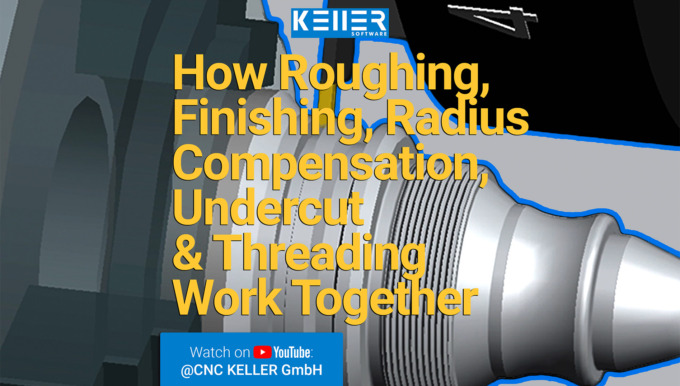
In this video, we guide you step by step through Task 9 from the Christiani task collection "CNC Turning Technology according to PAL2020". Thanks to our 3D simulation in SYMplus™, everything is explained…
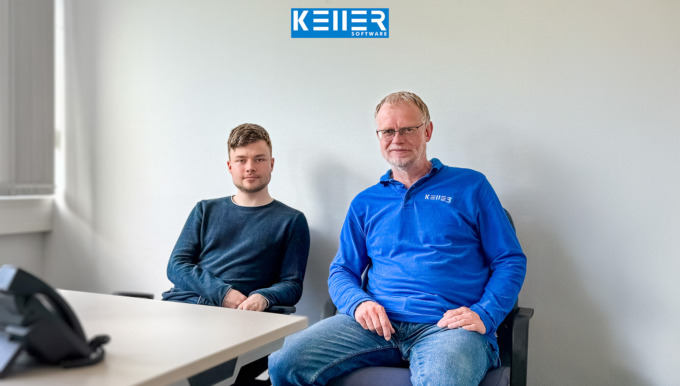
Work experience instead of making coffee! At KELLER, interns are given real responsibilities from day one. That was also the case for Mr. Born, who – during his two-week internship in application…
Newsletter May 2022
3 last-minute KELLER learning tips.
Sometimes time just flies by. It feels like only yesterday that the trainees began their training and now they are already writing their final exam for cutting machine operators. The KELLER.Software team wishes them all the best for this exam and for their future.
3 last-minute KELLER learning tips for your trainees:
1. Watch old final exams as videos on YouTube > https://www.youtube.com/playlist?list=PLo0O792GpB40x6jxXdksrTvaiWPkAzwGa
2. Request SYMplus™ workbooks as PDF > https://cnc-keller.com/symplus-support/workbooks/
3. Student Licence PAL is still available free of charge for all plusCARE™ customers until 05/31/2022 > https://cnc-keller.com/buy-symplus/#simplus-at-home
or simply rent the student licence yourself > https://www.cleverbridge.com/858/purl-cnc-keller-Katalogeng
Please note:
A new update of SYMplus™ was released last month. Have you installed it yet? If not, hurry up and do it, so you can get the best results out of your CNC Software.
You can read what’s new in Update 62 here: https://cnc-keller.com/symplus-support/new-features-optimizations/
Do you need help with the software update?
Our Support will assist you with this > http://cnc-keller.yoursupport.de/cnc.en/
If you have some free time, here is also a link to our Photo Gallery from the BETT UK education fair which took place last month in London: https://cnc-keller.com/aktuelles/bett-uk-education-fair-2022/
Much more from KELLER.Software…
Next Appointment:
02. – 03. June 2022: Driven tools, level swivel and reform PAL2020
09. – 10. June 2022: Basics of graphical programming (CAD/CAM) with SYMplus™
Further Information > https://cnc-keller.com/keller-academy/
There is always something to watch on our website. For e.g, last month’s practical tip as a video, more simulations and many more interesting videos.
SYMplus™ Media Library > https://cnc-keller.com/symplus-media-library/
To subscribe to our monthly newsletter, please use the form below. Thank you.
Do you have any questions?
Our experts are at your disposal. We look forward to your inquiry!
This might also be of interest to you
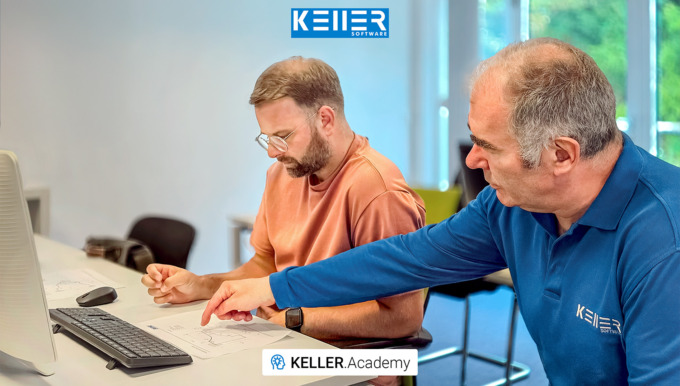
In our 1.5-day KELLER.Academy course, Mr. Ambrosy from Mager GmbH (a manufacturer of screws and turned parts) successfully completed the introduction to graphical programming with SYMplus™. The…
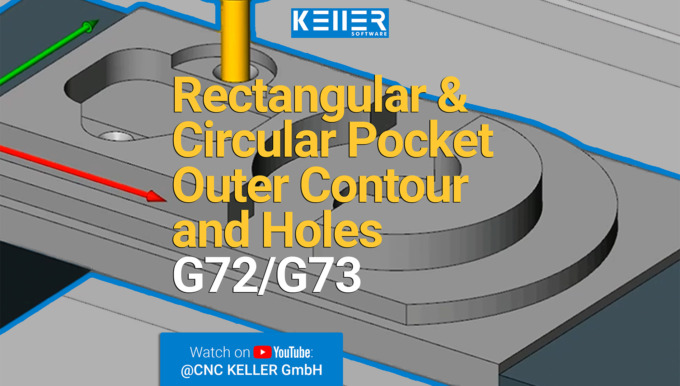
In this video, we guide you step by step through Task 9 from the Christiani task collection "CNC Milling Technology according to PAL2020". Thanks to our 3D simulation in SYMplus™, everything is explained…
Practical Tip: Clever Cutting and Reclamping – In Video format
By loading the video you accept YouTube's privacy policy.
Learn more
Cut a turned part to be machined on both sides from the bar and at the same time programme the second machining side. If the length of the blank is defined to such an extent that at the end, there is enough material to “cut” out of the protective zone for the chuck or the clamping jaws. However, if you proceed as described, after the “cutting off” step it would result in the half-finished workpiece falling in the simulation as in reality in the chip tray or a part catcher. Afterwards, the geometry is no longer available in the working plan for further machining.
But what is the solution then? The practical tip gives you the answer to this question.
Please follow our Youtube channel to watch the latest videos:
https://www.youtube.com/channel/UCyBovavGxzuJmrm1OXZuErw
For more tips, keep an eye out for our upcoming newsletters.
You have questions? Please feel free to contact our experts using the form below.
Do you have any questions?
Our experts are at your disposal. We look forward to your inquiry!
This might also be of interest to you
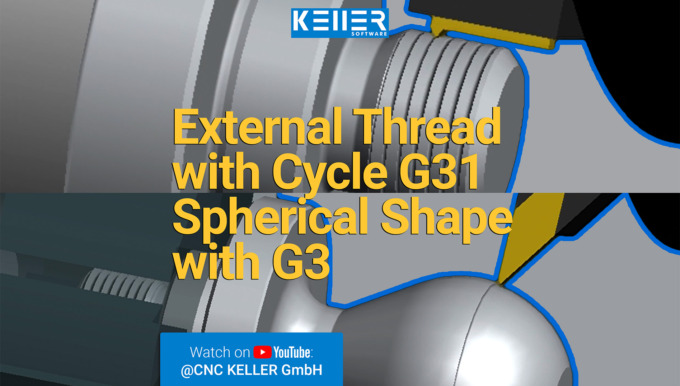
In this video, we guide you step by step through Task 11 from the Christiani task collection "CNC Turning Technology according to PAL2020". Thanks to our 3D simulation in SYMplus™, everything is…
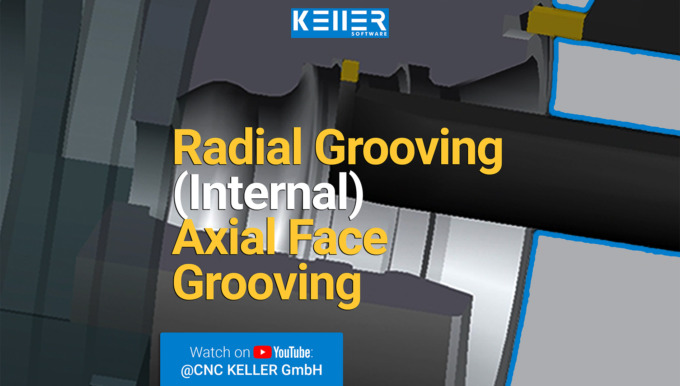
In this video, we guide you step by step through Task 8 from the Christiani task collection "CNC Turning Technology according to PAL2020". Thanks to our 3D simulation in SYMplus™, everything is explained…