Training at the KELLER.Academy – Driven tools, level swivel and reform PAL2020
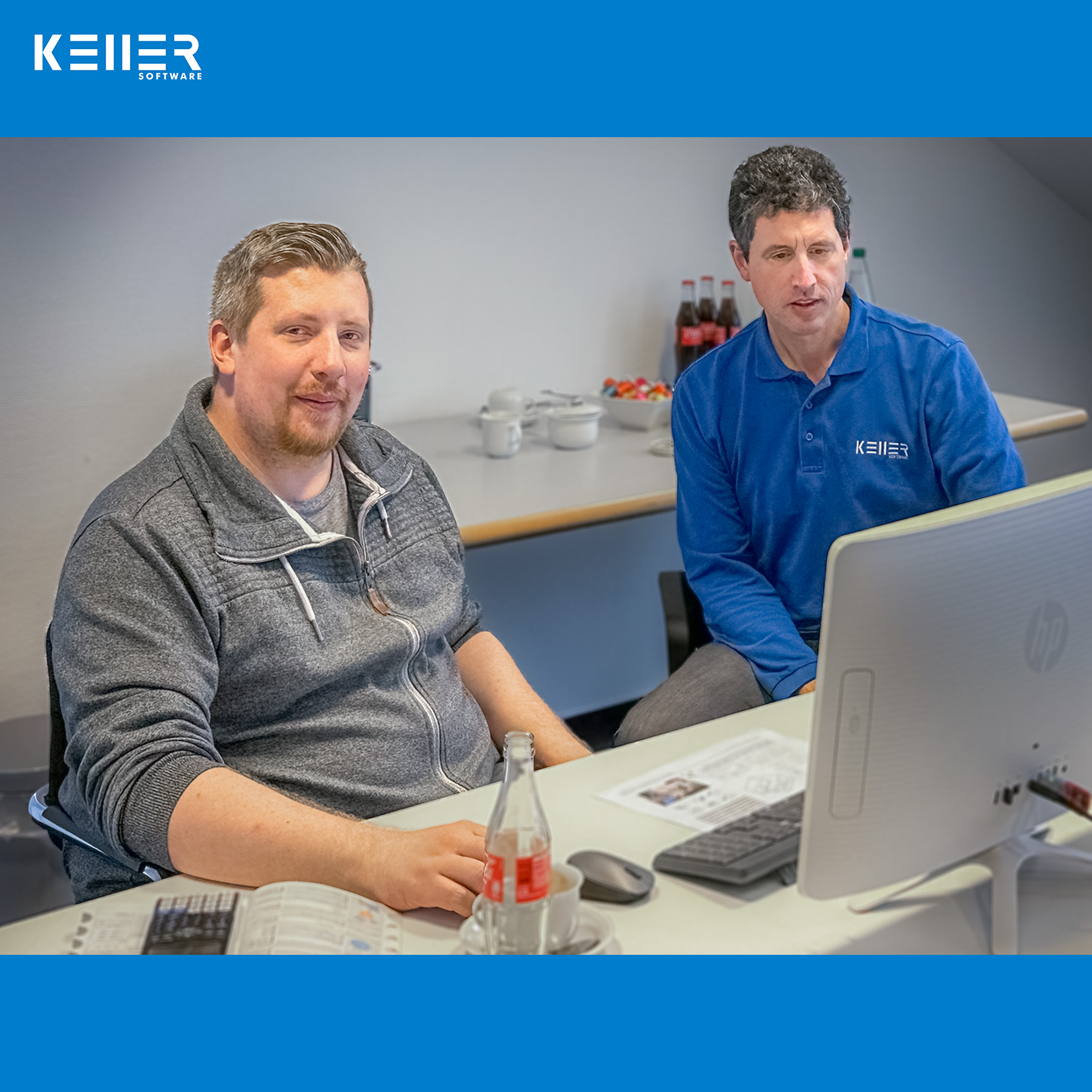
Mr. Potjans from OTTO FUCHS Dülken GmbH & Co. KG attended the KELLER.Academy already 2 weeks ago. However, this time the focus was not on the basics of DIN/PAL. Instead, it was about driven tools, the plane swivel as well as the PAL2020 reform. Mr. Potjans of course passed this course as well and the KELLER.Software team congratulates you heartily. We are truly honored that you put so much trust in our KELLER.Academy. Thank you very much.
Click on the following link to learn more about the courses offered at the KELLER.Academy: https://cnc-keller.com/keller-academy/
Do you have any questions?
Our experts are at your disposal. We look forward to your inquiry!

This might also be of interest to you
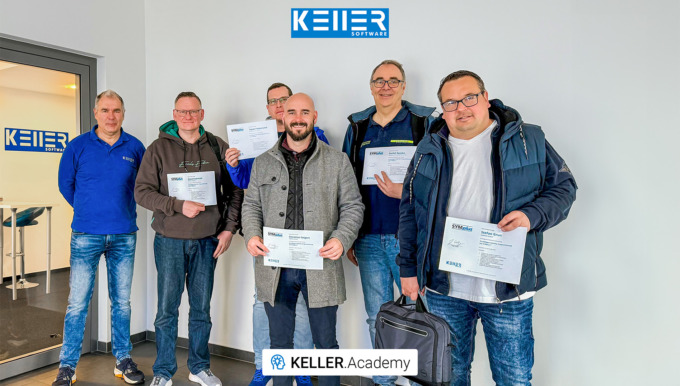
Last week at the KELLER.Academy, participants once again spent their time programming, simulating, and discussing intensively—from the fundamentals of DIN/PAL programming to the practical…
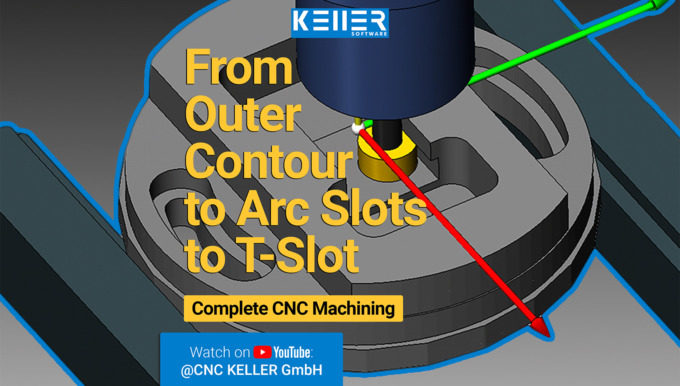
This video demonstrates selected machining steps from Task 13 of the Christiani exercise collection “CNC Milling Technology according to PAL2020”. We illustrate these steps using the 3D simulation…
Into the Space with KELLER.Software – Training with Airbus Defense and Space GmbH
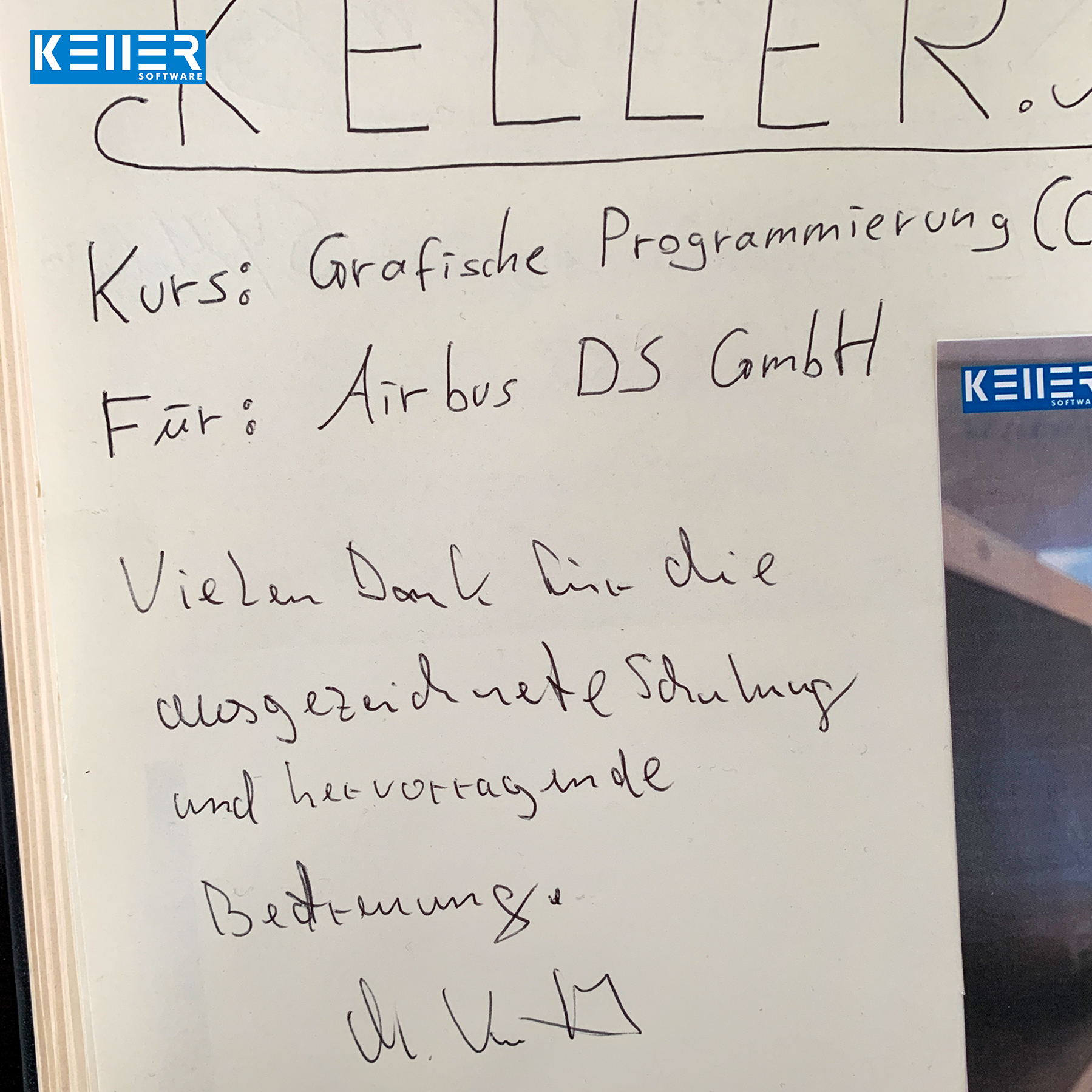
“Thank you for the excellent training and outstanding support”
is what the guestbook entry reads after an individual training in our KELLER.Academy.
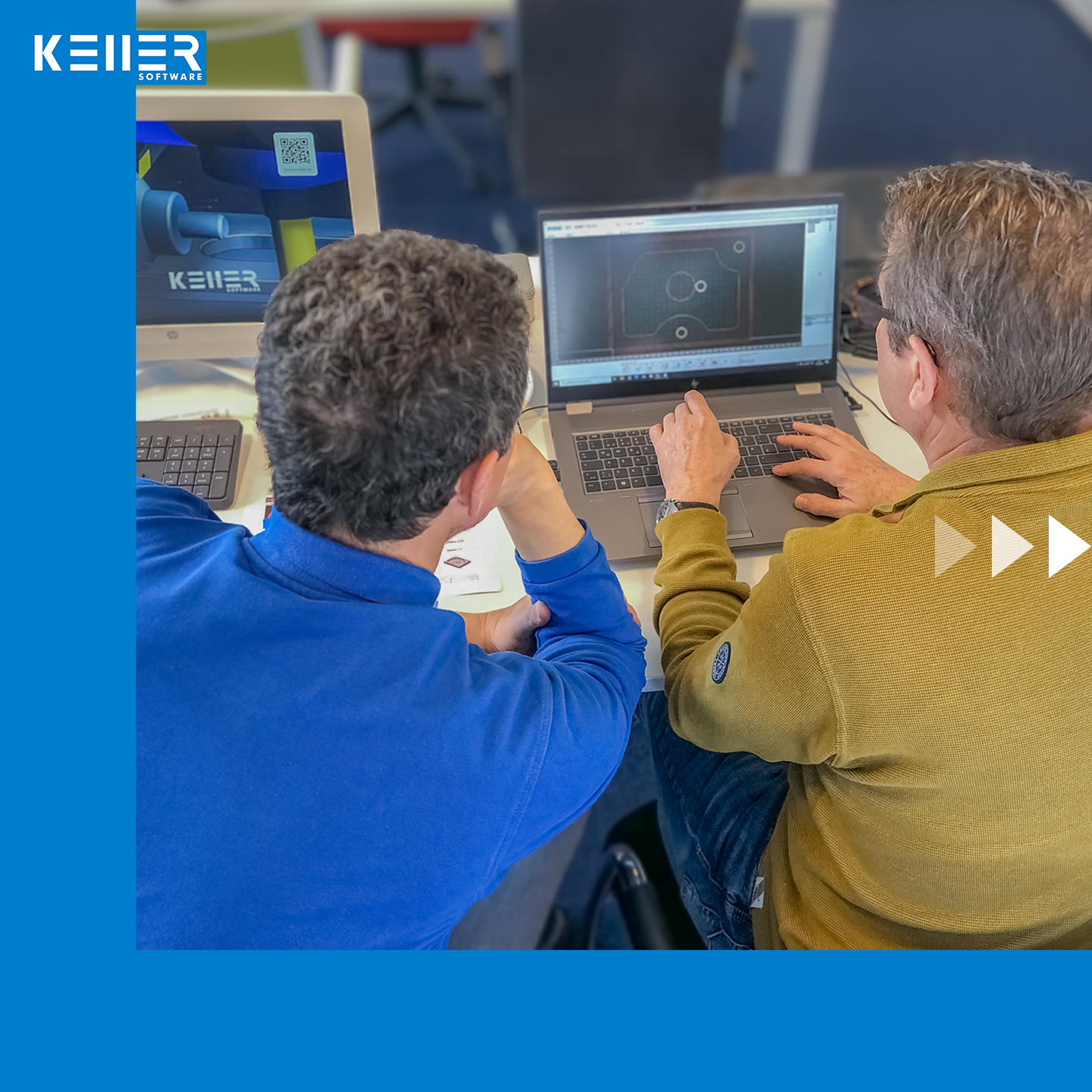
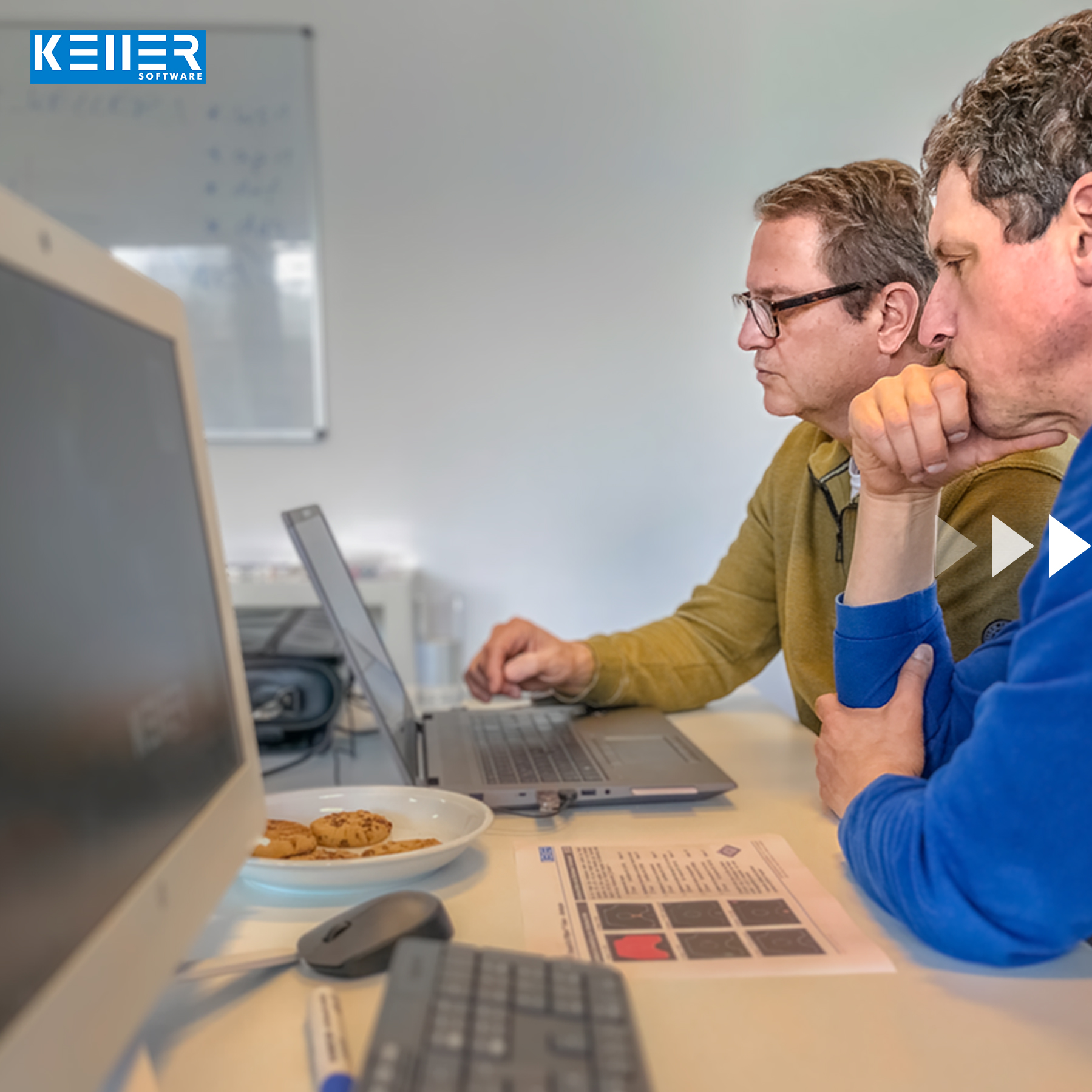
Mr. Kutsch from Airbus Defense and Space GmbH in Taufkirchen (Bavaria) visited our Academy in Wuppertal for a 2-day CAD/CAM training course (milling).
The company uses CATIA as its design tool, and Mr. Kutsch brought DXF data of practical parts with him for his KELLER.Academy course, which will ultimately be sent into space with satellites, although not by him – his workshop colleague and he “only” mill the models etc.. They work with a DECKEL FP2 with Dialog4 control. By the way, the production of the “real” parts – i.e. those that are sent into space – is carried out exclusively by certified companies.
Click on the following link to learn more about the courses offered at the KELLER.Academy: https://cnc-keller.com/keller-academy/

Do you have any questions?
Our experts are at your disposal. We look forward to your inquiry!
This might also be of interest to you

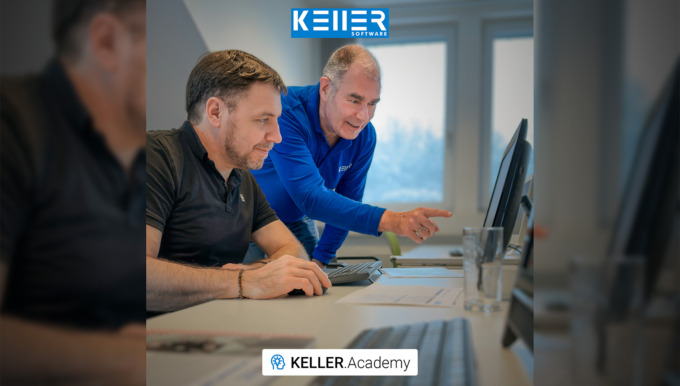
After Mr. Schober had already attended our CAD/CAM course, we were pleased to now welcome Mr. Zaeske from Waldemar Link GmbH & Co. KG. Thank you for your visit, Mr. Zaeske. We wish you every…
After a two-week break (and a successfully completed CAD/CAM course) Mr. Schober from Waldemar Link GmbH & Co. KG returned to the KELLER.Academy for the course “Basic DIN/PAL programming…
Training KELLER.Academy – Course “Basics of DIN/PAL programming with SYMplus™”
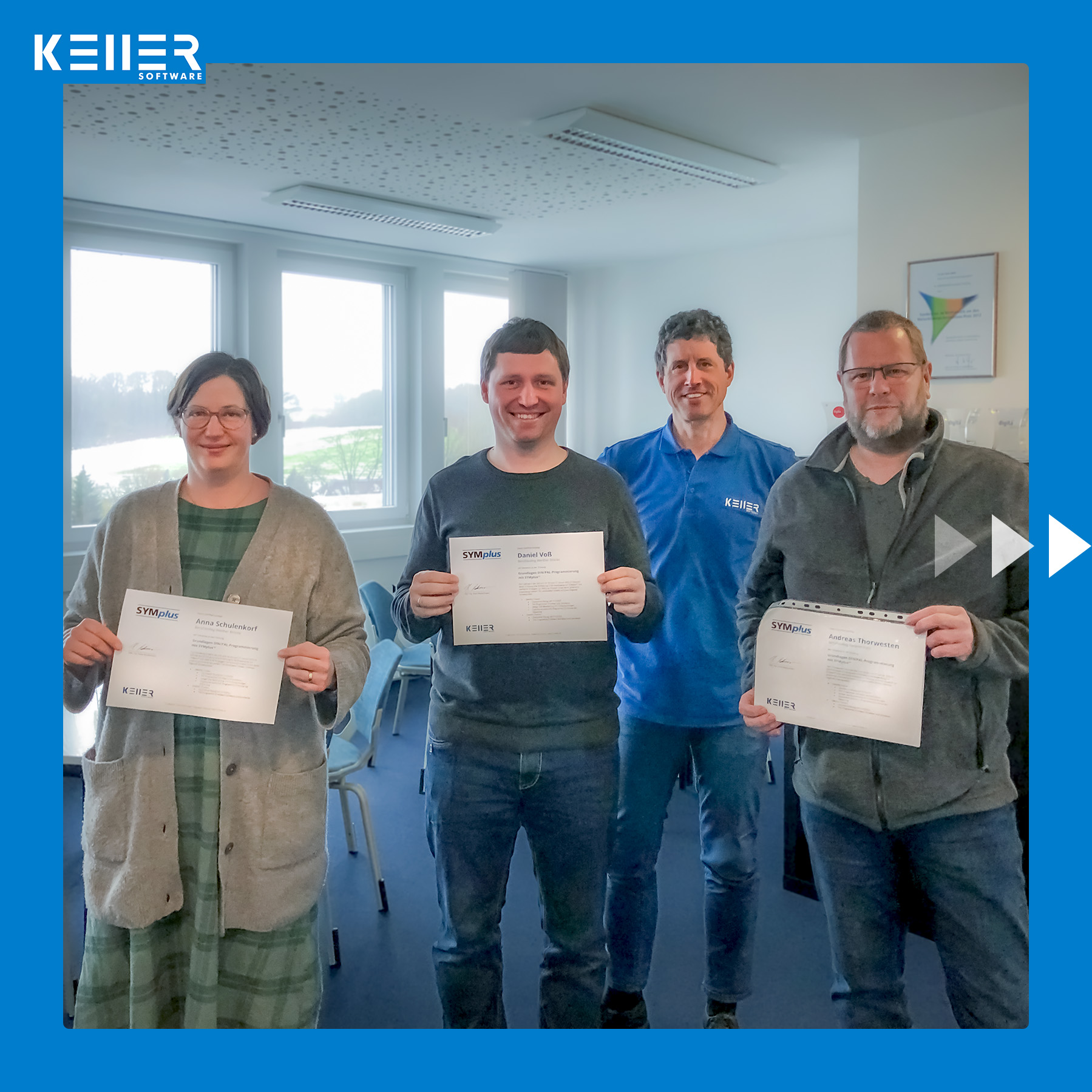
Last week was once again: KELLER.Academy. We congratulate Mr. Breden and Mr. Fischer from BK Hattingen, Mr. Bruno from HELMUT FISCHER GmbH and Mr. Potjans from OTTO FUCHS Dülken GmbH & Co. KG on the successful completion of the course. It was a great pleasure for us to welcome you in Wuppertal.
Click on the following link to learn more about the courses offered at the KELLER.Academy: https://cnc-keller.com/keller-academy/


Do you have any questions?
Our experts are at your disposal. We look forward to your inquiry!
This might also be of interest to you
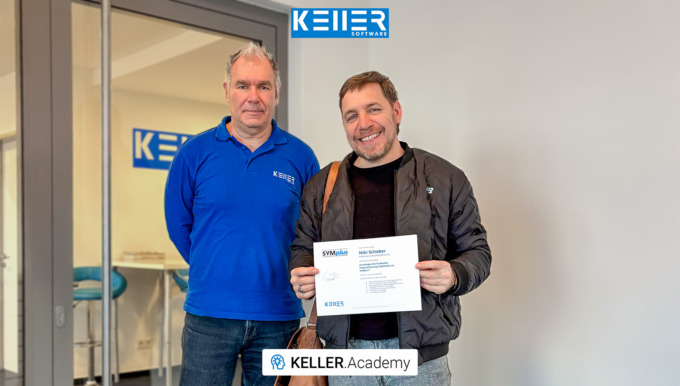
In our first course of 2026, the focus for Mr Schober from Waldemar Link GmbH & Co. KG was a hands-on introduction to the CAD/CAM workflow with SYMplus™: How do I build a geometry? Where…

This video demonstrates selected machining steps from Task 10 of the Christiani exercise collection “CNC Milling Technology according to PAL2020”. We illustrate these steps using the 3D simulation…
Newsletter March 2023

PAL2020: How to rewrite old PAL programs.
With the reform of the PAL norms in 2020, quite a few changes came our way. G17 is now G15, G86 and G88 remain, but many new or modified cycle addresses have been added, and so on and so forth.
However, we found out through interesting exchanges with the participants in our new webinar series, “PAL2020: What’s Changing in Machinists’ Exams,” that the PAL2020 commands feel like deciphering hieroglyphics.

But since we’re not all likely to be Indiana Jones, we’d like to give you a little overview of the changes in this newsletter – To decipher the hieroglyphics, so to speak.
Here you can find a table with the comparison “PAL2008/PAL2012” and “PAL2020” (status spring 2023):
To the comparison: “PAL2008/2012 ↔ PAL2020” >

Well, now you can understand the hieroglyphs a bit better, but you still have a lot of programs that run with the old PAL standard, or more precisely, don’t run anymore. What about that?
One trick that is so easy and old that you might not even think of it is the search-and-replace function in SYMplus™. You can use it to rewrite anything that can be replaced one-to-one, like G17 with G15. And this is how you proceed:
1.
Open the program, which you have programmed in an older PAL coding, in the mode “PAL2020”. You will then get the message, “The NC program is faulty!” This is exactly what we want to change, so just click it away with “F10”. In your editor, the last block that does not correspond to the coding according to PAL2020 will now be marked. Here in our example, the exercise program “LAGER3” from the workbook “Plane Swing”, is the line “N65 G17 CR180 AR90”.
2.
Press the “F1” key to select “Search/Replace” and enter “G17” in the “Search for” field and “G15” in the “Replace with” field:

Then click “Replace All” to replace “G17” with “G15” throughout the document. Finally, apply this edit by pressing the “F10” key.
3.
Next, in our example, the line “N45 G48 G40 R10 Z0” is marked as incorrect, because after PAL2020 the commands for tangential approach and departure have also changed:

Replace them according to the same principle: “G48 G40 R” becomes “G40 G46 RR”. And then “G41 G45 D” = “G41 G45 DL”.
And already you have done quite a lot of work without having to trudge through the lines piece by piece.
Everything else (like changing cycle addresses) is explained on our support page:
http://cnc-keller.yoursupport.de/cnc.en/entries/000605/rewrite-old-pal-programs-for-pal2020
Have a nice day and best regards.
– Your KELLER.Software Team
Much more from KELLER.Software …

Reach your learning goal quickly and efficiently: it’s not easy to successfully pass the IHK final exam for machinist turning or machinist milling.
To support you in this endeavor, we have developed SYMplus™, a special PAL software. Here, the focus is on practical exercises to achieve the greatest possible learning success.
Learn more >
Next Appointments in the KELLER.Academy:
Basics of graphical programming (CAD/CAM) with SYMplus™
- 13.-14. April 2023
- 25.-26. June 2023
Exam preparation PAL
- 20.-21. April 2023
Basic DIN/PAL programming with SYMplus™
- 11.-12. May 2023
- 29.-30. June 2023
Driven tools, level swivel and reform PAL2020
- 25.-26. May 2023
To subscribe to our monthly newsletter, please use the form below. Thank you.
Do you have any questions?
Our experts are at your disposal. We look forward to your inquiry!
This might also be of interest to you
Even trainers sometimes need training themselves. Mr. Schöntag from Motion Makers GmbH has plenty of hands-on experience at the machine, but for his role in vocational training, he wanted to gain…
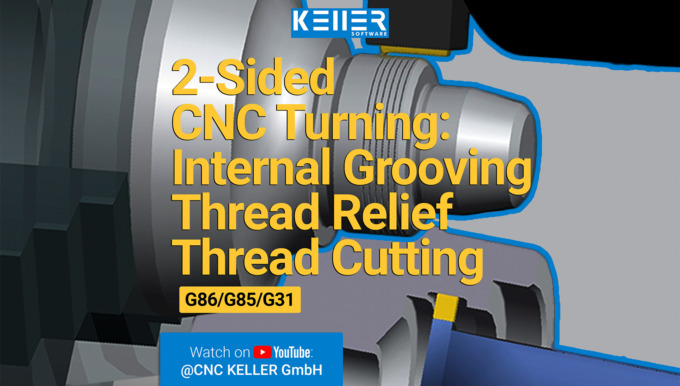
In this video, we guide you step by step through Task 12 from the Christiani task collection "CNC Turning Technology according to PAL2020". Thanks to our 3D simulation in SYMplus™, everything is…
Comparison of old PAL programs and PAL2020
Complete table with a comparison of “PAL2008/PAL2012” and “PAL2020” (status spring 2023):
| PAL2008/PAL2012 | PAL2020 | Meaning | Where is it found? |
| G41 G45 D | G41 G45 DL | Linear tangential approach | Milling and Turning with driven tools |
| G42 G45 D | G42 G45 DL | Linear tangential approach | Milling and Turning with driven tools |
| G40 G46 D | G40 G45 DL | Linear tangential departure | Milling and Turning with driven tools |
| G41 G47 R | G41 G46 RR | Tangential approach on a quarter circle | Milling and Turning with driven tools |
| G42 G47 R | G42 G46 RR | Tangential approach on a quarter circle | Milling and Turning with driven tools |
| G48 G40 R | G40 G46 RR | Tangential departure on a quarter circle | Milling and Turning with driven toolsn |
| G17 | G15 | Svivelling and Resetting the machining level | Milling Level selection |
| G17 | G15 G17 IP3 | Level selection face end with virtual Y axis | Turning with driven tools |
| G17 C | G15 G17 IP0 | Level selection face end with polar coordinates | Turning with driven tools |
| G17 Y C | G15 G17 IP5 CM | Level selection face end with real Y axis | Turning with driven tools |
| G18 | G15 G18 TURN | Level selection for Turning | Drehen mit angetr. Werkzeugen |
| G19 X | G15 G19 IP1 DM | Level selection surface area with virtual Y axis | Turning with driven tools |
| G19 C | G15 G19 IP0 | Level selection surface area with polar coordinates | Turning with driven tools |
| G19 Y X | G15 G19 IP5 DM | Level selection chord area with real Y Axis | Turning with driven tools |
| G86 | M1 ; G86 | Radial recessing cycle | Turning, not automatically “translatable”, therefore commented out here with M1 ;. The cycle must then be reprogrammed. |
| G88 | M1 ; G88 | Axial recessing cycle | Turning, not automatically “translatable”, therefore commented out here with M1 ;. The cycle must then be reprogrammed. |
Other changes do not necessarily require the revision of existing programs, but may have an impact in the simulation:
| PAL2008/PAL2012 | PAL2020 | Meaning | Where is it found? |
| G0 X Y Z | G0 X Y G0 Z |
Positioning logic for G0 and G10 omitted | Milling |
| T S F M13 | T M6 S F M13 |
Tool change with M6 In SYMplus™, however, T still triggers the change directly, M6 remains optional |
Milling |
Do you have any questions?
Our experts are at your disposal. We look forward to your inquiry!
This might also be of interest to you
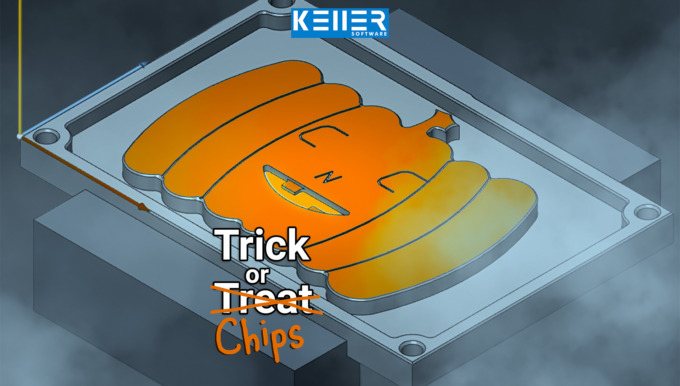
Carving pumpkins? 🎃 We’d rather mill ours out of metal. The KELLER.Software team wishes you a Happy Halloween!
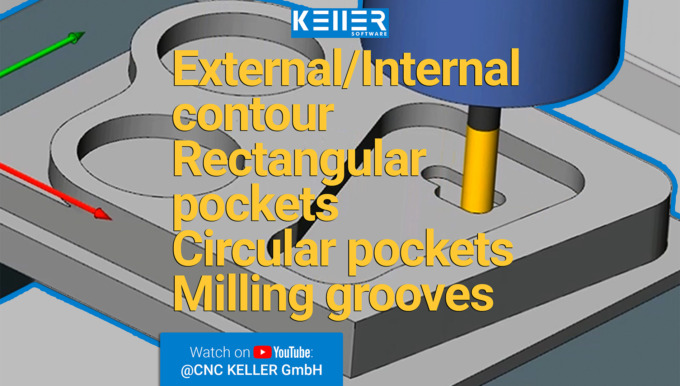
In this video, we guide you step by step through Task 12 from the Christiani task collection "CNC Milling Technology according to PAL2020". Thanks to our 3D simulation in SYMplus™, everything is…
Training KELLER.Academy at company HG Medical
Last week we conducted a wonderful training course at HG Medical.
The company from Raisting (Bavaria) gave three apprentices (cutting machine operators) a crash course in PAL turning (with face, shell, and chord surface machining) and PAL milling (focus on plane swivel). Building on what they had already learned at school, it was a very effective two days of training, and the three of them are now “relaxed” about the final written exam. Of course, we are keeping our fingers crossed for them!
We at KELLER.Software are pleased about the excellent partnership with HG Medical, as well as with the vocational school and other companies in the Weilheim-Schongau region.
Click on the following link to learn more about the courses offered at the KELLER.Academy: https://cnc-keller.com/keller-academy/


Do you have any questions?
Our experts are at your disposal. We look forward to your inquiry!
This might also be of interest to you
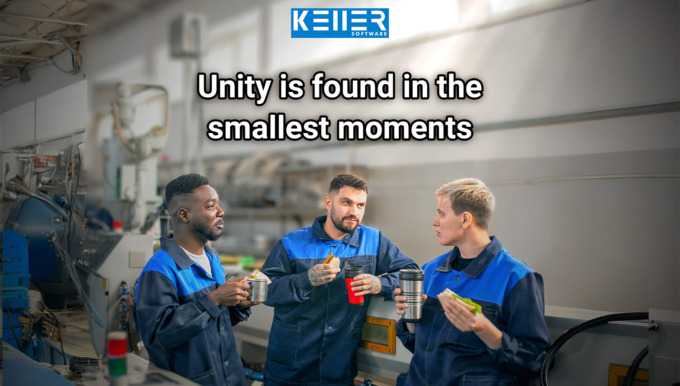
In the CNC world, we speak many languages: Fanuc, Siemens, Heidenhain … But no matter which control system—today, on October 3rd, the Day of German Unity, we celebrate what unites us: our shared…
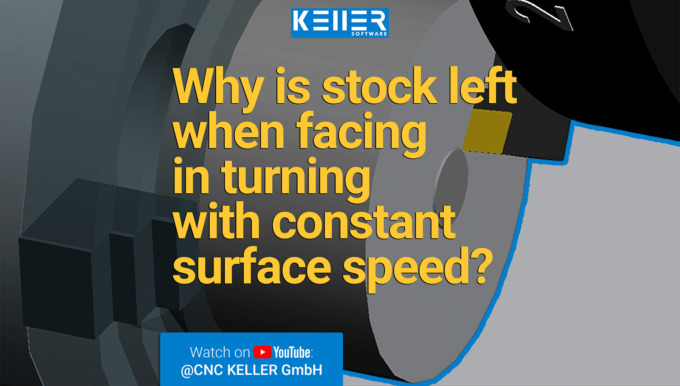
In this video, we guide you step by step through Task 10 from the Christiani task collection "CNC Turning Technology according to PAL2020". Thanks to our 3D simulation in SYMplus™, everything is…
Training in the KELLER.Academy with VR glasses – Basics of DIN/PAL programming with SYMplus™
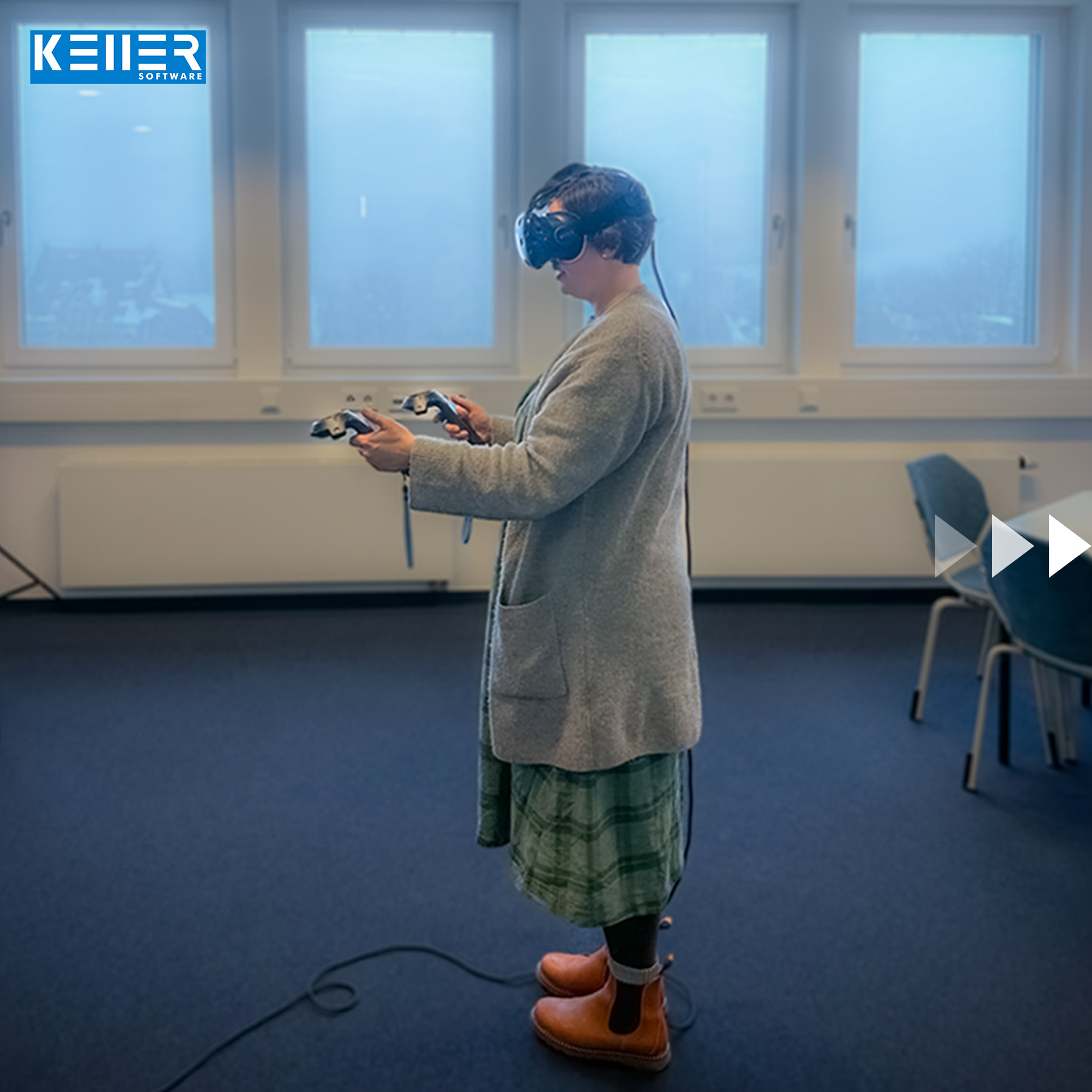
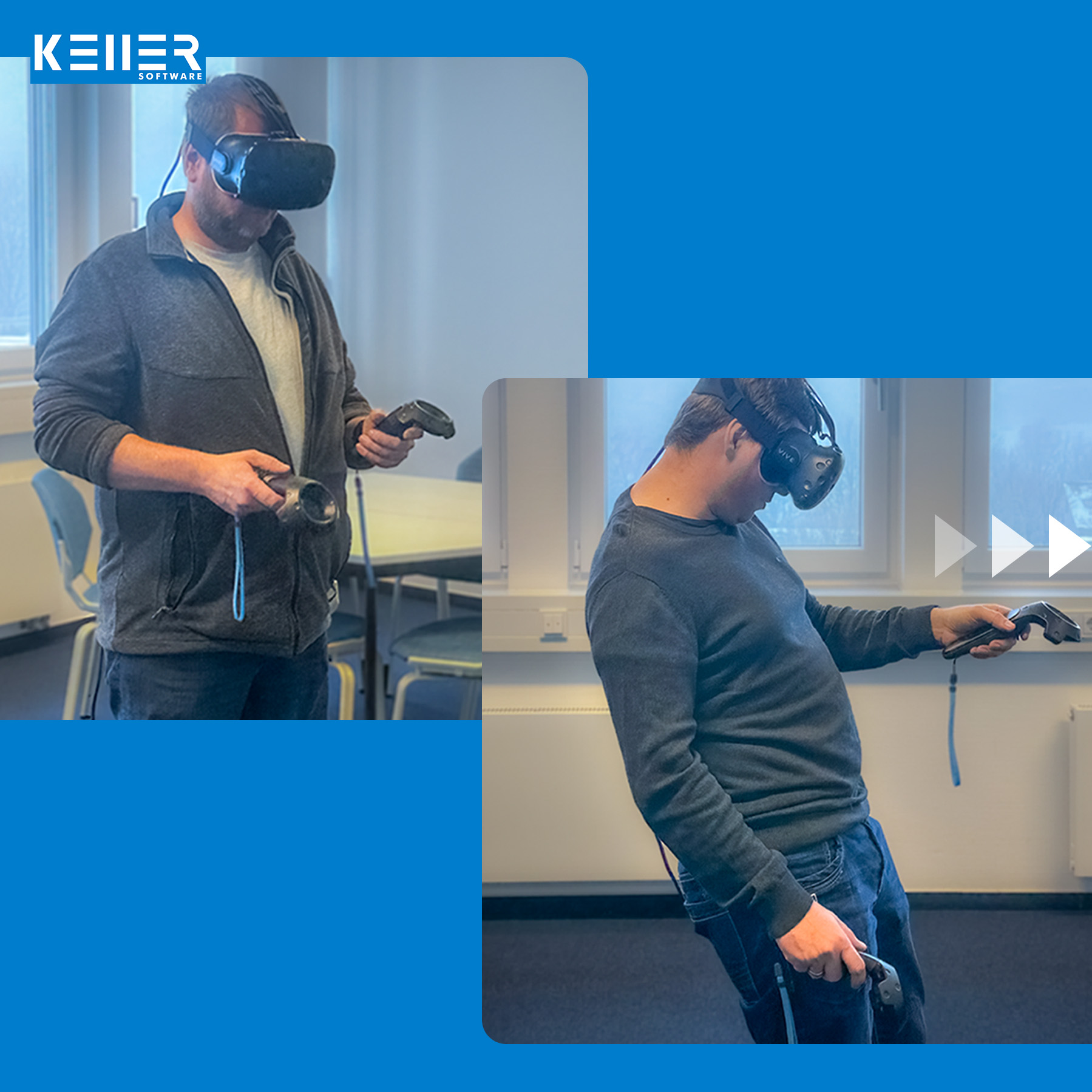
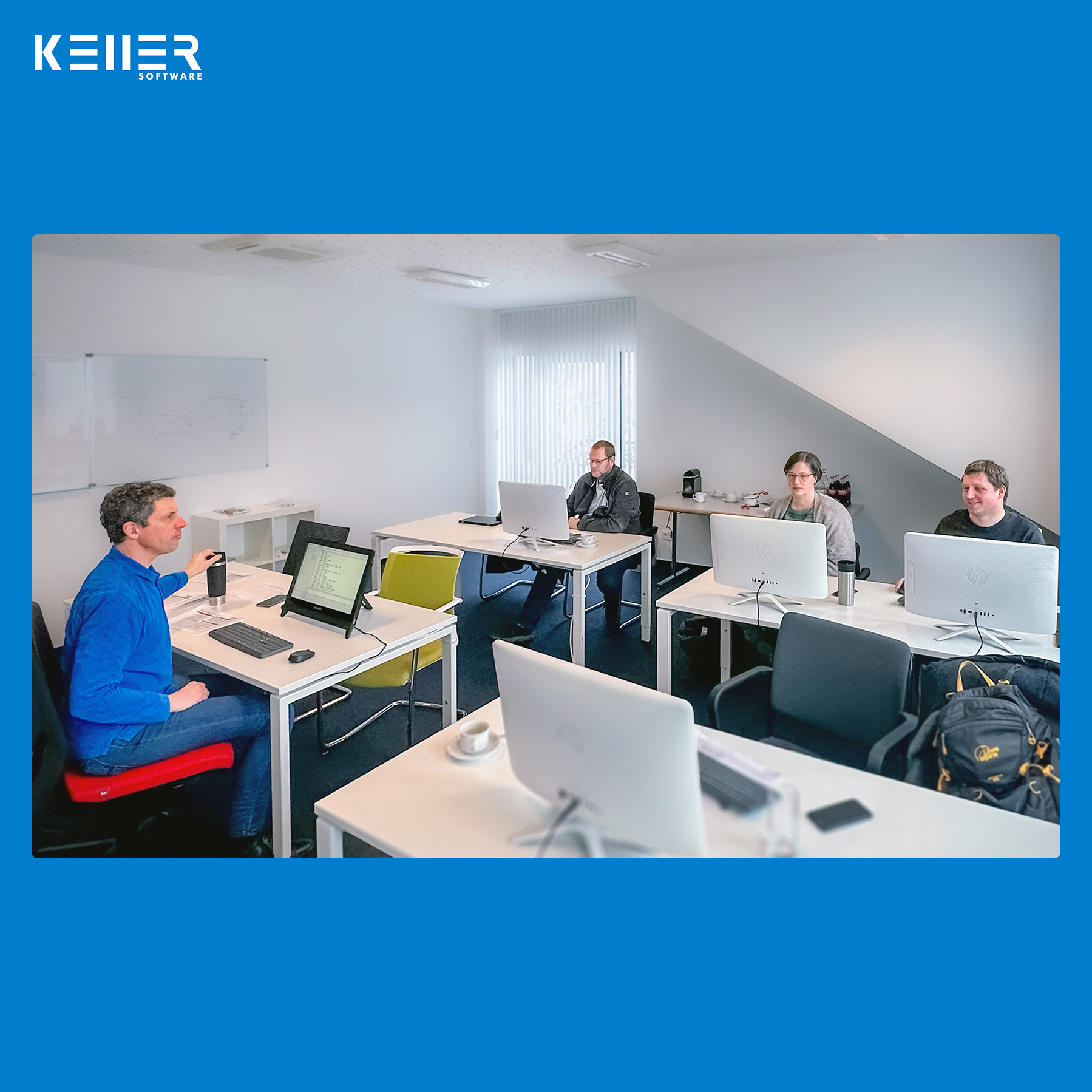
For the first time in 2023 KELLER.Academy. One highlight was the VR workshop, which we were finally able to offer again this year, after it had been cancelled the previous years due to the pandemic. The course participants were thus able to get a taste of virtual workshop atmosphere again and experience the learning method of tomorrow for themselves. In the training room, the topic was “Basics of DIN/PAL programming with SYMplus™”.
Congratulations to all participants on successfully completing the course!
Click on the following link to learn more about the courses offered at the KELLER.Academy: https://cnc-keller.com/keller-academy/
Do you have any questions?
Our experts are at your disposal. We look forward to your inquiry!
This might also be of interest to you
In our course “Basics of DIN/PAL Programming with SYMplus™”, participants spent 1.5 days writing and simulating programs, setting up tools, magazines and turrets, and creating their own gap-filling…
In this video, we guide you step by step through Task 14 from the Christiani task collection "CNC Milling Technology according to PAL2020". Thanks to our 3D simulation in SYMplus™, everything is…
Practical Tip: How to organise Postprocessors – In Video format
SYMplus™ provides a list of around 50 Postprocessors. In reality, you will hardly ever need all of them. Mostly you work with one or a few. So selecting the right postprocessor can prove to be a nuisance with such a large list. Here is a tip that can help you organise those Postprocessors efficiently: Create a second folder for postprocessor parameter sets, and copy the postprocessors you currently need into this folder. That’s it.
In this practical tip, you will see how this works:

By loading the video you accept YouTube's privacy policy.
Learn more
Follow KELLER.Software on YouTube to learn more:
https://www.youtube.com/CNCKELLERGmbH
For more tips, keep an eye out for our upcoming newsletters.
You have questions? Please feel free to contact our experts using the form below.
Do you have any questions?
Our experts are at your disposal. We look forward to your inquiry!
This might also be of interest to you
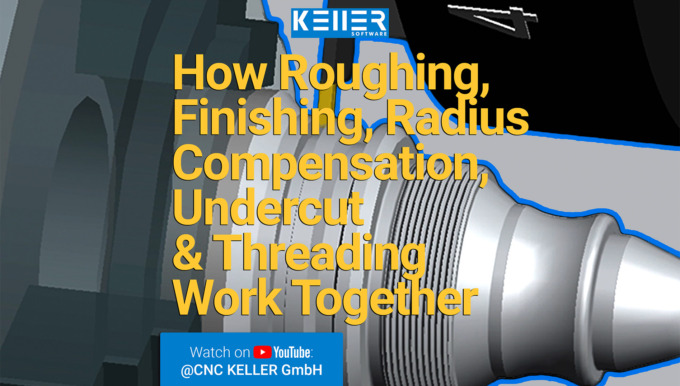
In this video, we guide you step by step through Task 9 from the Christiani task collection "CNC Turning Technology according to PAL2020". Thanks to our 3D simulation in SYMplus™, everything is explained…
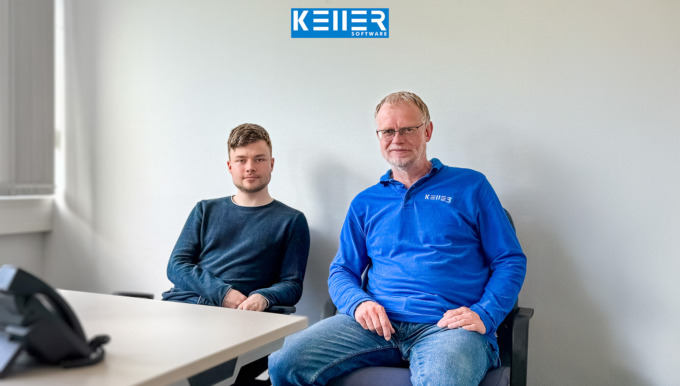
Work experience instead of making coffee! At KELLER, interns are given real responsibilities from day one. That was also the case for Mr. Born, who – during his two-week internship in application…
SYMplus™ Update 64
With plusCARE™, there’s even more inside your SYMplus™ CNC software than there are gifts under the Christmas tree: Update 64 of SYMplus™ is now available.
The KELLER.Software team has already begun working on their good year resolutions and has put together a package full of innovations for you with Update 64:
- Bugfix regarding the selection of the machining strategy for roughing
- The HEIDENHAIN iTNC530 simulator supports the programming of a straight line defined by angle and one end point coordinate
- The SINUMERIK 810D/840D simulator supports the programming of circular arcs with center point and opening angle
- Improved error handling in case of wrong plunge strategy in PAL pockets (rectangle, circle, groove)
- Crash in case of incorrectly programmed retraction plane in PAL contour pocket is prevented
Do you have any questions?
Our experts are at your disposal. We look forward to your inquiry!
This might also be of interest to you
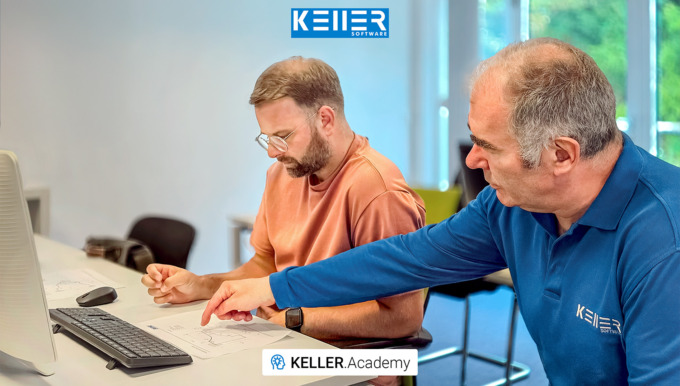
In our 1.5-day KELLER.Academy course, Mr. Ambrosy from Mager GmbH (a manufacturer of screws and turned parts) successfully completed the introduction to graphical programming with SYMplus™. The…
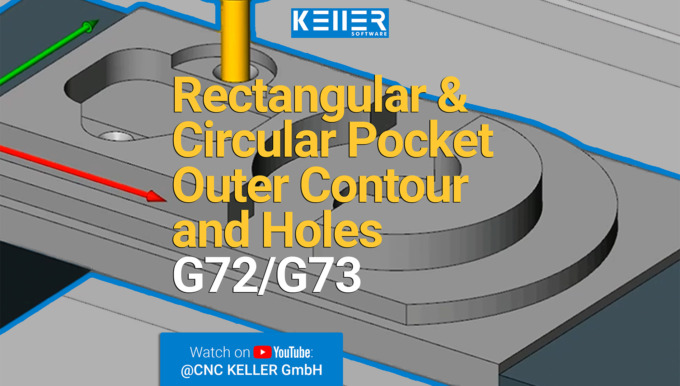
In this video, we guide you step by step through Task 9 from the Christiani task collection "CNC Milling Technology according to PAL2020". Thanks to our 3D simulation in SYMplus™, everything is explained…
Training with SYMplus™ for South Korean scholarship holders
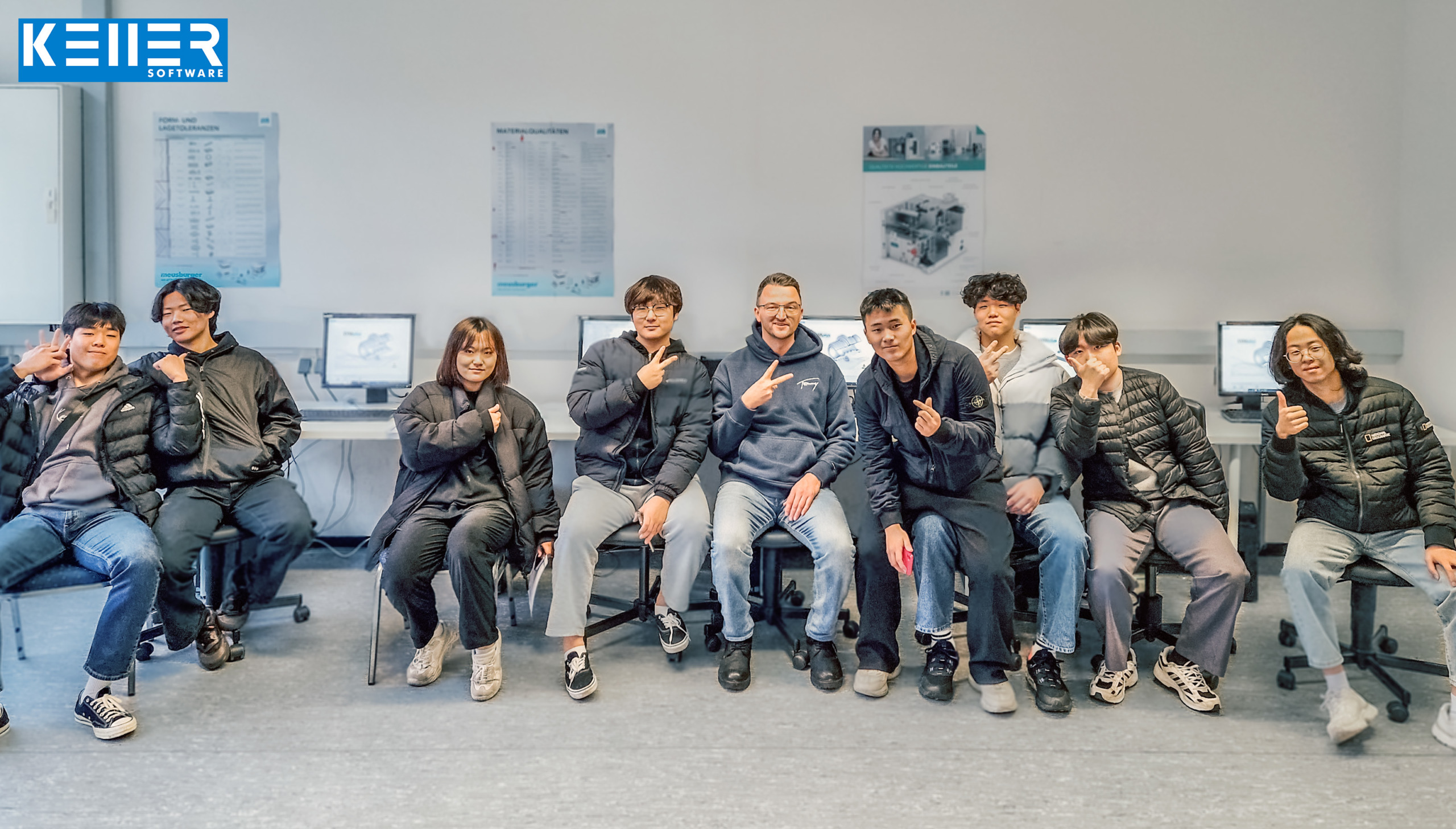
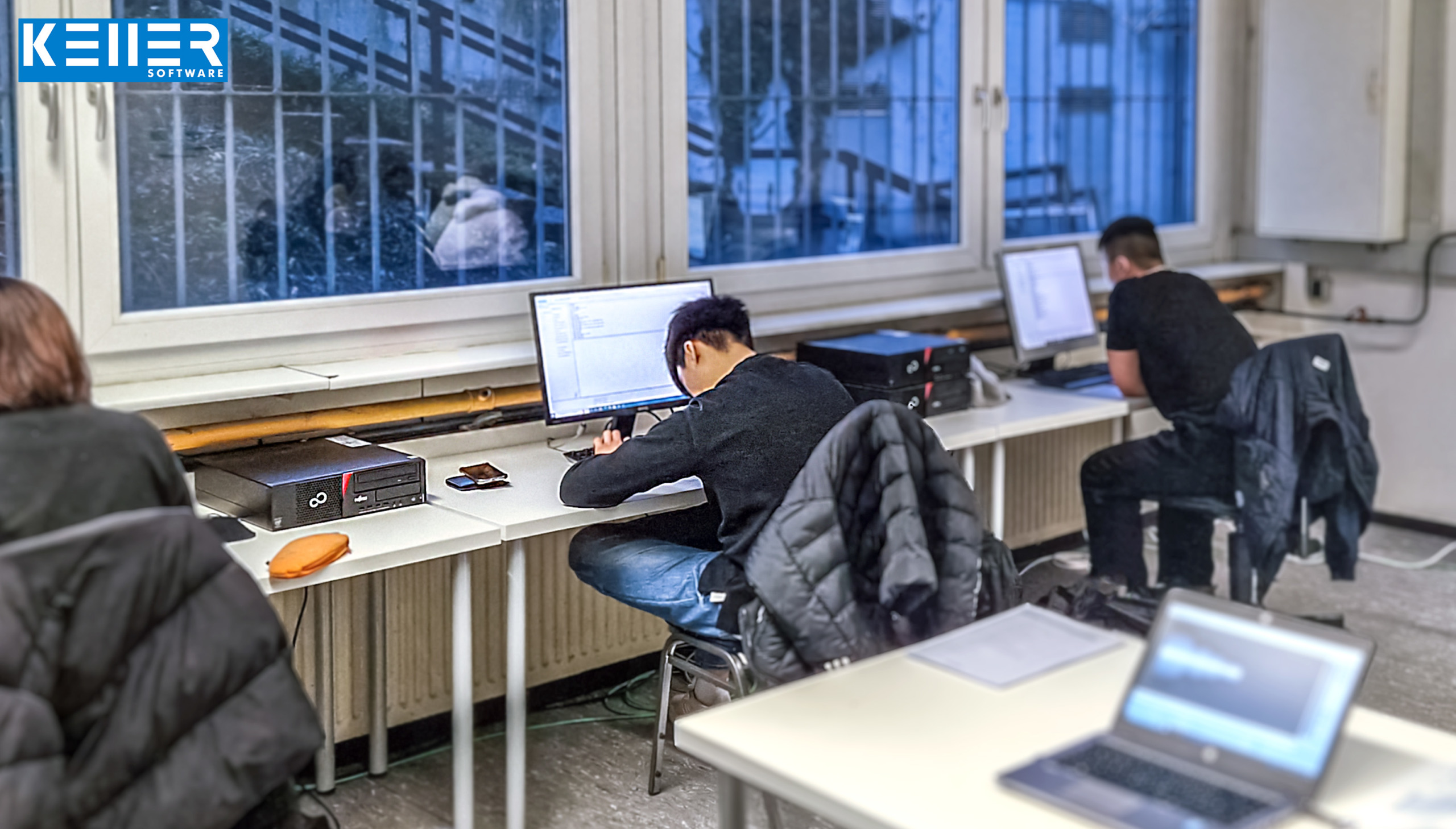
The SYMplus™ enabled South Korean scholarship holders to get to know the basics of CNC turning as well as milling.
As part of the “Global Internship Program” project, the total of 8 young people from South Korea visited the electrical training centre in Mühlacker (Baden-Württemberg) for 6 weeks. They had already been able to gain initial CAD/CAM experience at school. However, DIN/PAL programming and some of the basic knowledge associated with it were new to them.
“Before their training, they completed a crash course in German (also lasting 6 weeks) at Frankfurt am Main. An interpreter was present the whole time, who was committed to translating the many technical terms. After a short period of getting used to each other between trainer, trainees and translator, everything worked great,” reports the trainer Matthias Krämer. “Thanks to the help built into SYMplus™, the learners were able to acquire a lot of knowledge on their own.”
Mr Krämer and the young people from South Korea had a great time, technically-didactically and also in cultural exchange.
Do you have any questions?
Our experts are at your disposal. We look forward to your inquiry!
This might also be of interest to you
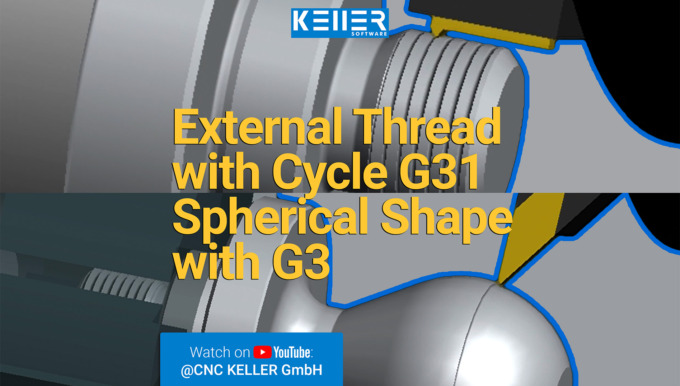
In this video, we guide you step by step through Task 11 from the Christiani task collection "CNC Turning Technology according to PAL2020". Thanks to our 3D simulation in SYMplus™, everything is…
In this video, we guide you step by step through Task 8 from the Christiani task collection "CNC Turning Technology according to PAL2020". Thanks to our 3D simulation in SYMplus™, everything is explained…